Free Bot Sniping Guide: Step-by-Step Instructions for Setup and Usage
TechFlow Selected TechFlow Selected
Free Bot Sniping Guide: Step-by-Step Instructions for Setup and Usage
A 100x return from sniper bots is a very common outcome.
 Navigating Web3 tides with focused insights
Author: ᴛʀᴀᴄᴇʀ
Compiled by: TechFlow
Over 10 million people use sniping bots, but only 0.1% know their secret configurations.
Degens using them sniped $MOTHER for $273,000. So I scanned the code of 10 bots—here are the 5 secrets you need to know.
-
Using sniping bots correctly completely changes the game in today’s market reality.
-
Achieving 100x returns with sniping bots is an ordinary outcome.
-
I’m ready to share some bots with you and help you become a millionaire this cycle.
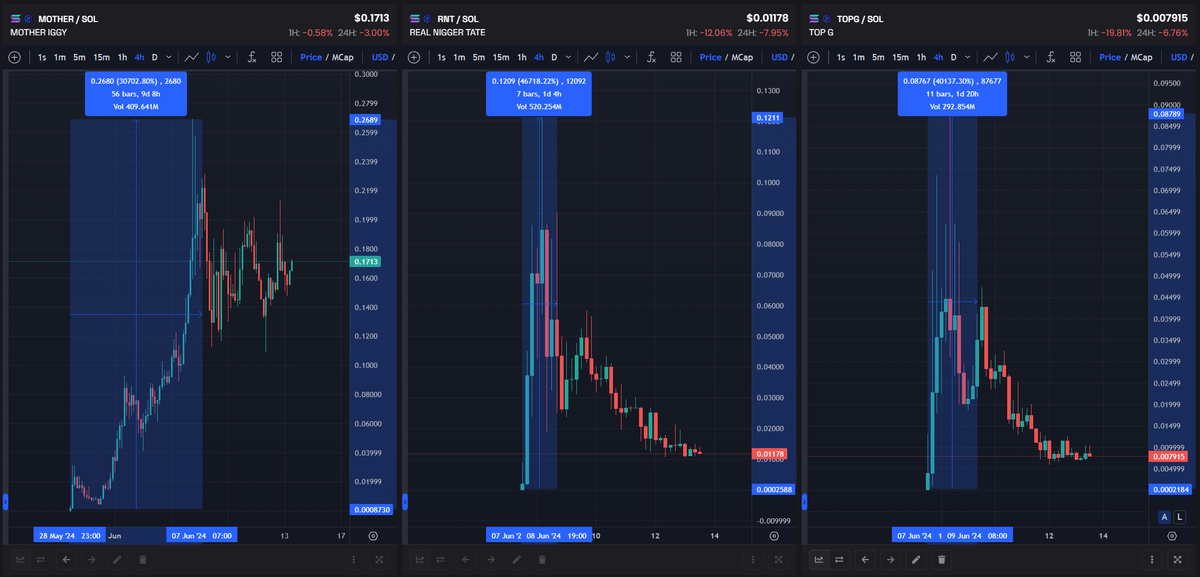
Each of these snipers made enough money in just one week to last a lifetime:
Every properly configured sniping bot profited from these memecoins.
There are many sniping bot options, but you can use completely free yet equally effective ones:
-
ChatGPT 4.0-based sniping bot
-
Properly configured @bonkbot_io - Bonkbot
Now let's move on to setting up and using each bot.
ChatGPT Sniping Bot
This bot is a technical breakthrough that ensures smooth sniping:
-
Fully automated entry and exit
-
Profit maximization
-
Keyword-based sniping
I have a complete guide to help you set it up:
We'll do all the setup on @tradingview, since you can trade directly from there.
-
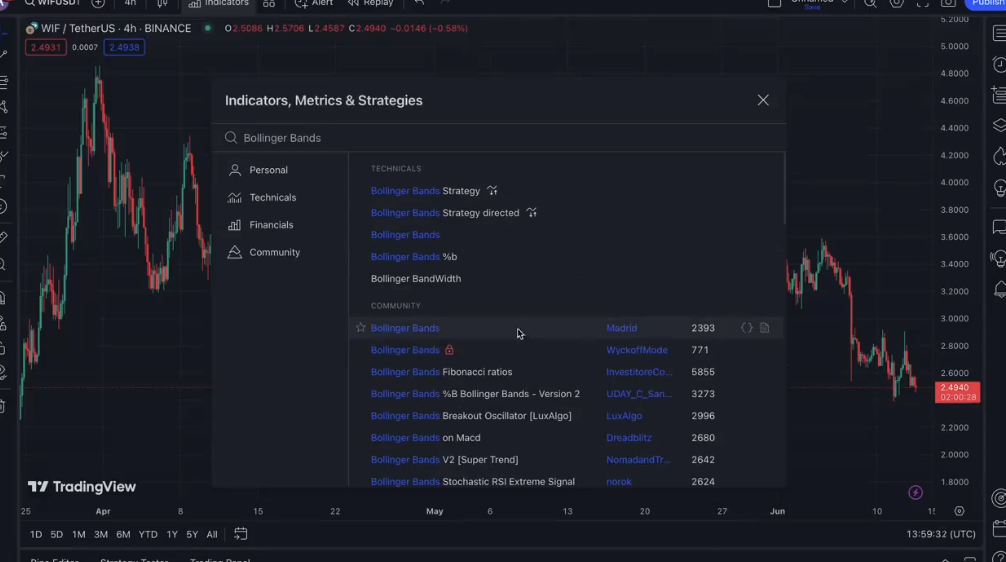
First, install the indicator the bot will rely on.
-
The required indicator is Madrid's Bollinger Bands.
-
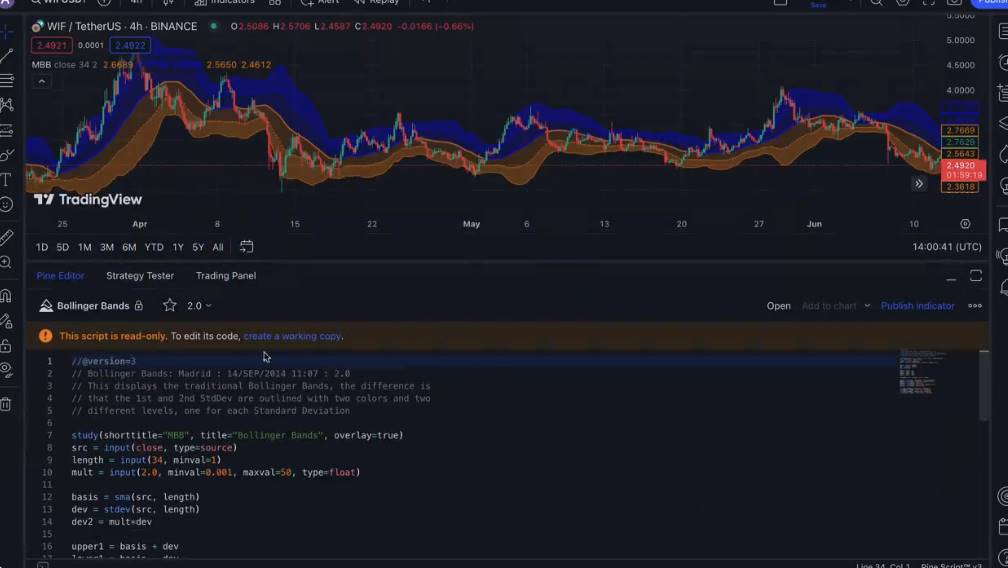
Next, you need to set up your workspace.
-
Open the source code and click "Create Copy", then "Save".
-
Then name your workspace and proceed with the setup.
-
To ensure the indicator works, you need to convert its code to v5 format.
-
In the open source code, click "More", then "Convert Code".
-
Repeat this process twice to reach v5 format.
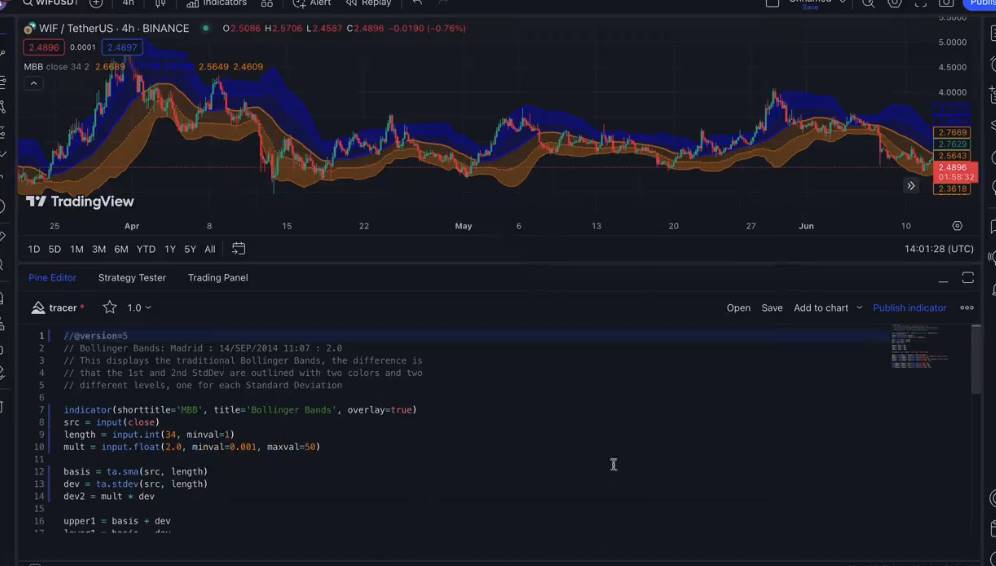
The most critical step affecting your profits is creating the trading strategy. #ChatGPT 4.0 handles this task effortlessly.
-
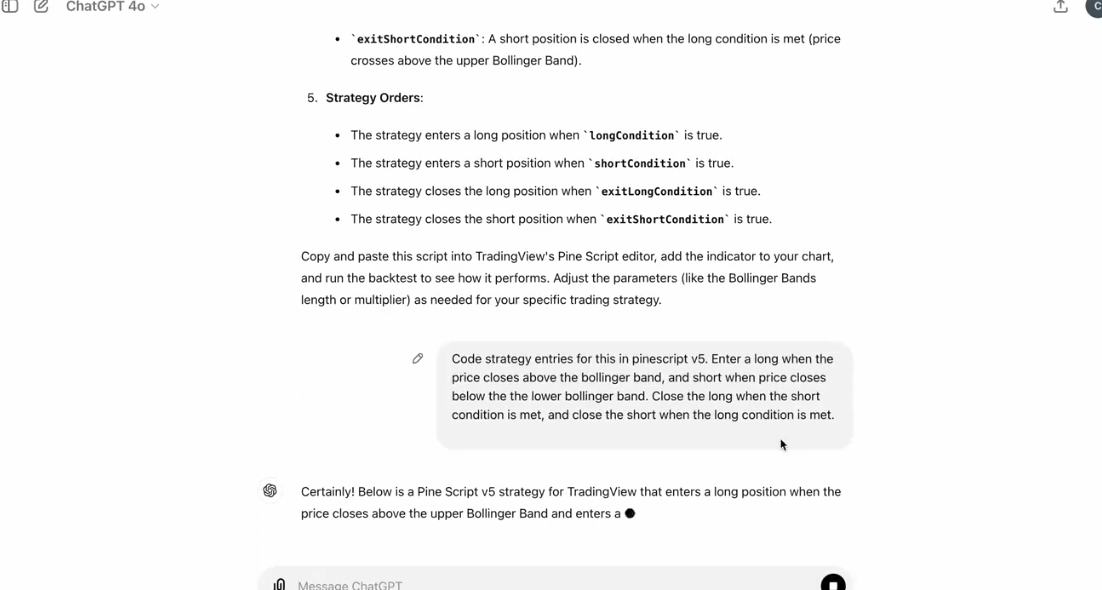
In a chat session, write down the desired outcome conditions along with the indicator code.
-
Based on your description, AI will write the logic section for the indicator.
-
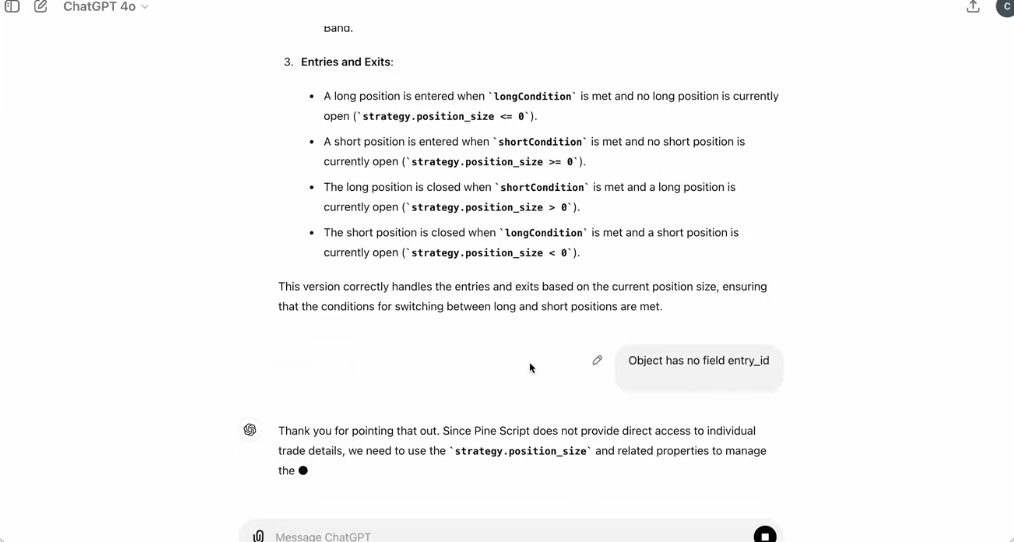
You need to insert the received code into the final part of the indicator code on @tradingview.
-
If errors occur, go back to #ChatGPT.
-
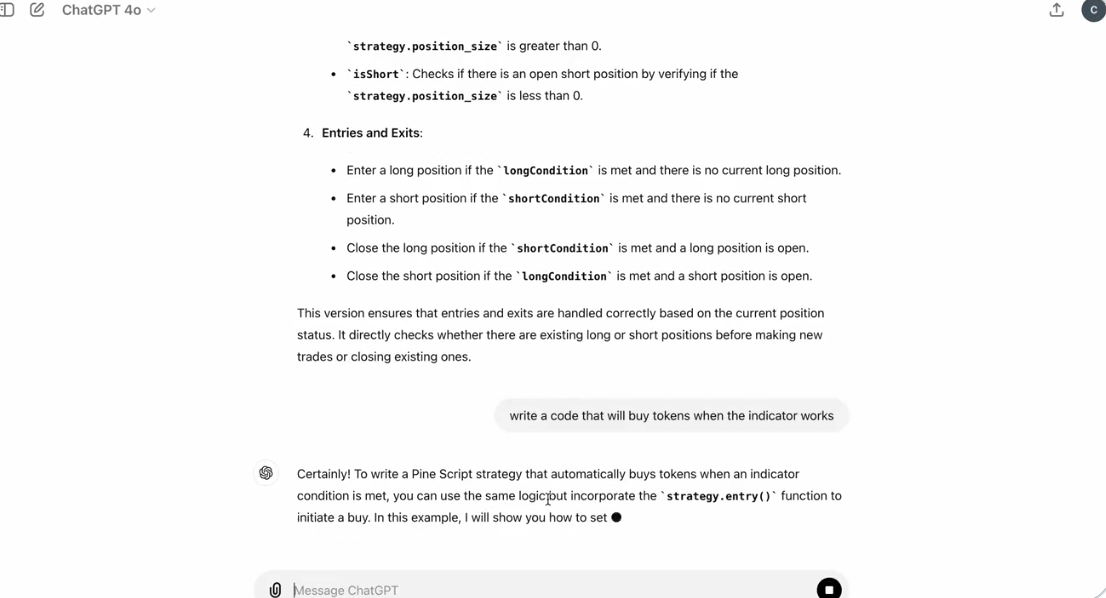
Next, based on the completed indicator code, you need to create code for the sniping bot.
-
Send the entire completed code plus the task of creating the sniping bot to the AI.
-
Make sure to request it adds variables like slippage, price impact, keywords, etc., for more detailed configuration.
-
Again, insert the received code into the final section of the code on @tradingview.
-
Slippage = 40%
-
Price Impact = 40%
-
Keywords – specify keywords to target specific memecoins, separated by commas.
-
-
The final step for the AI sniping bot is providing it a working environment.
-
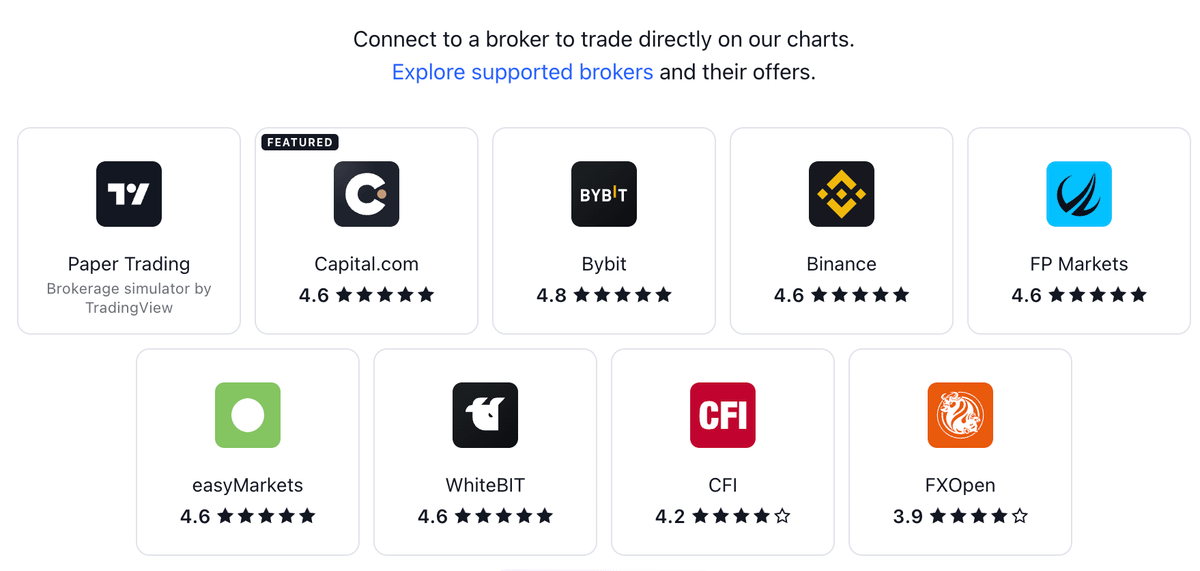
Connect any CEX to @tradingview where you want your bot to perform sniping.
Once successfully connected, simply launch the bot and enjoy the profits.
BonkBot
@bonkbot_io is the leading free sniping bot that can buy tokens within seconds. It works directly with the blockchain, accelerating purchase speed.
With proper setup and understanding of correct bot configurations, every launch will bring you profit:

-
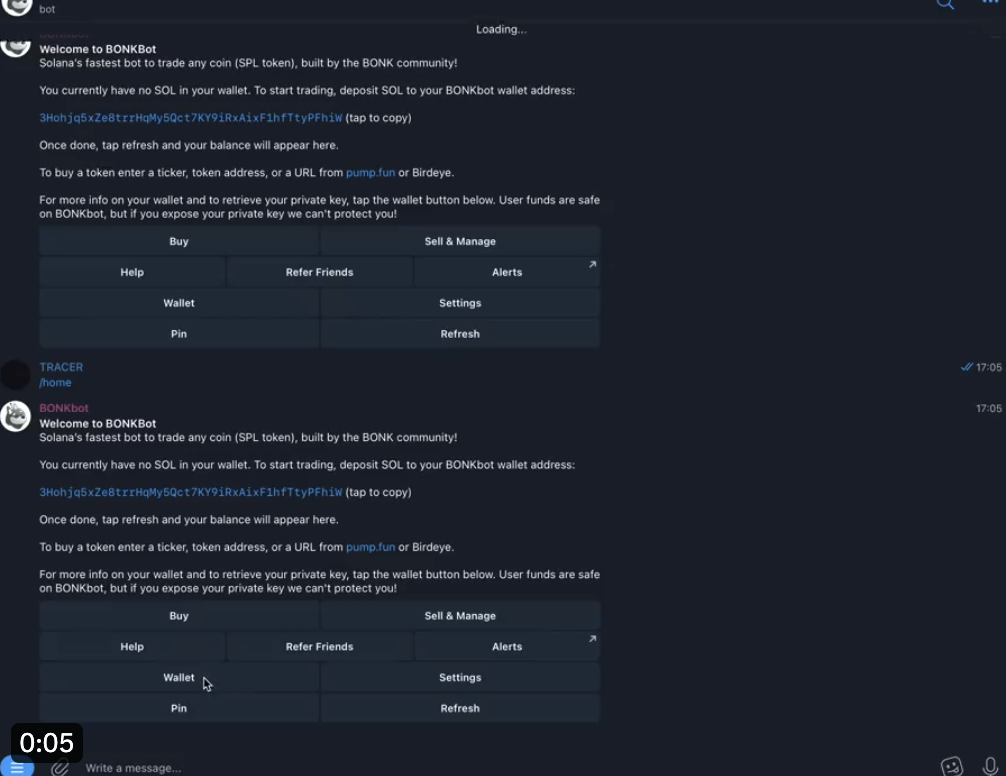
First, access the bot and export your private key.
-
To do so, go to the "Wallet" section and click the Export Private Key button.
-
This prevents losing the wallet used for sniping in the future.
-
Next, navigate to the "Settings" section and understand what each option does.
The most important features are:
-
Auto Buy
-
Slippage
-
Price Impact
-
Transaction Priority
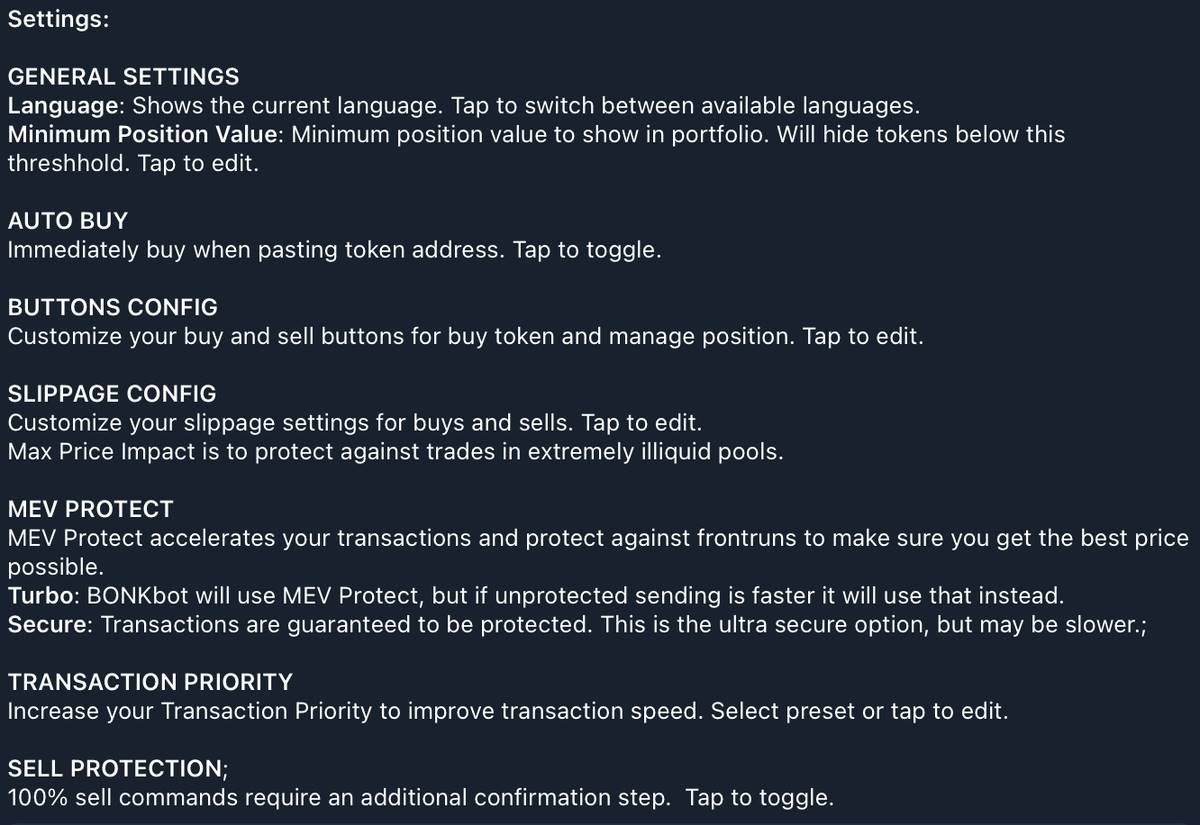
These must be correctly configured and understood:
-
Auto Buy is a time-saving feature allowing automatic token purchases after sending the contract to the bot.
-
Slippage is the percentage difference between the expected price and the actual executed price during market orders.
-
Price Impact is the acceptable percentage of sudden price change when processing and executing a transaction.
-
Transaction Priority is the amount of $SOL you pay validators to expedite your transaction—critical for sniping.
After understanding each feature, you can customize them as needed. My recommended settings are:
-
Enable Auto Buy
-
Slippage 35%
-
Price Impact 35%
-
Very High Transaction Priority
With this setup, you can snipe all trending memecoin launches. To buy tokens during a launch, simply copy the token contract and send it to the bot’s chat.
With Auto Buy enabled, purchases will automatically execute using the amount specified in your settings. Otherwise, you’ll be prompted to enter the amount of $SOL you wish to spend.
Join TechFlow official community to stay tuned
Telegram:https://t.me/TechFlowDaily
X (Twitter):https://x.com/TechFlowPost
X (Twitter) EN:https://x.com/BlockFlow_News
 @DeFiTracer