








A step-by-step guide to creating your own Rollup in 2 minutes
TechFlow Selected TechFlow Selected
A step-by-step guide to creating your own Rollup in 2 minutes
This article will show you how simple it is to create a Rollup using RaaS.
 Navigating Web3 tides with focused insights
Author: A Fox
Translation: TechFlow
Article Summary:
-
Rollup as a Service (RaaS) is a new business model that enables anyone to create and deploy their own L2 rollup without writing any code.
-
Conduit is an extremely user-friendly RaaS provider. Below, you'll see how quickly and easily you can launch an Ethereum Virtual Machine (EVM) L2 rollup with just a few clicks.
-
Once your rollup is live, you can bridge ETH into it and deploy smart contracts and dApps—for example, I created a token called DOG and transferred it.
-
Conduit also sets up a block explorer for you, allowing you to easily visualize everything happening on-chain.
Main Content
Due to the Ethereum mainnet becoming too slow and expensive, we've seen growth in Ethereum Layer 2s (L2s), most of which are rollups I've discussed previously.
Creating your own rollup traditionally requires relatively deep blockchain knowledge. However, the recent rise of "Rollup as a Service" (RaaS) providers means you can now deploy an L2 rollup within minutes—without writing a single line of code!
In this article, I’ll explore how RaaS works by taking a closer look at Conduit.
Rollups and RaaS
As Ethereum seeks to scale and process more transactions per second, Layer 2 (L2) solutions continue to grow. We’ve previously explored EVM L2s in past articles.
Rollups are currently the most popular type of L2 on Ethereum. Briefly, a rollup is a separate blockchain that executes transactions and then posts a compressed version back to the main chain.
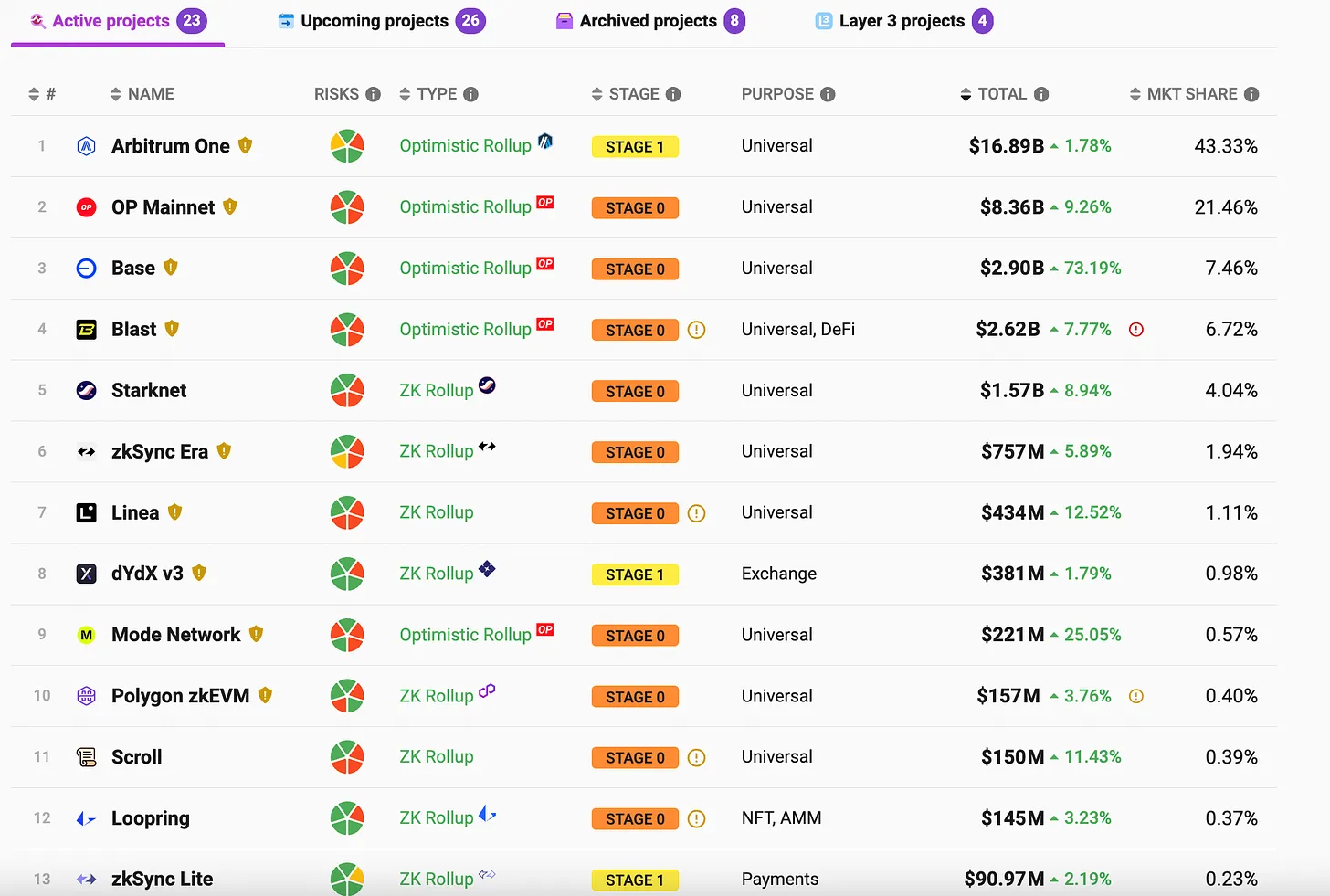
There are already dozens, if not hundreds, of L2 rollup examples, as shown in the image below.
However, despite chains like Optimism and Arbitrum creating their own toolkits to accelerate L2 creation, building your own L2 remains non-trivial and still requires technical expertise. Additionally, you need to run nodes to support the L2, which can also become complex.
This challenge has given rise to a new kind of business: "Rollup as a Service" (RaaS). With RaaS, anyone can create and deploy their own rollup in minutes with just a few clicks, then immediately start bridging ETH and running smart contracts and dApps on their own L2!
Below, I’ll show you just how simple it is to create a rollup using RaaS.
Conduit
The RaaS space already has many competitors, including Astria, Caldera, AltLayer, Conduit, and others.
For this article, I chose to use Conduit, which I found to be very fast and easy to get started with.
According to their website, Conduit allows you to: "deploy a rollup in minutes instead of months," offering "fully managed, production-grade, customizable rollups for Ethereum, Optimism, Arbitrum, Base, Mode, and Zora."
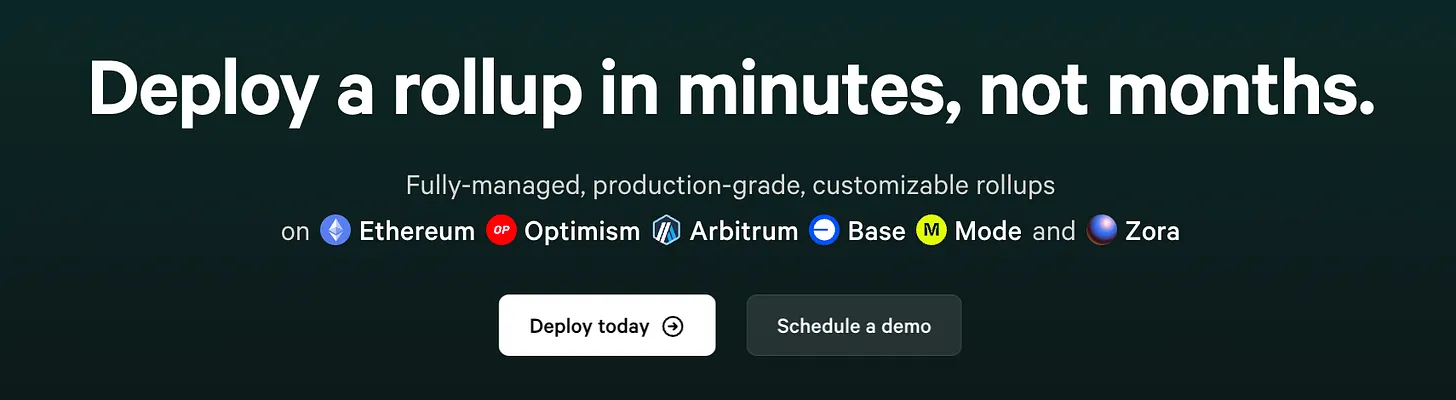
Their landing page clearly demonstrates just how quick and simple it is to create a rollup using Conduit.
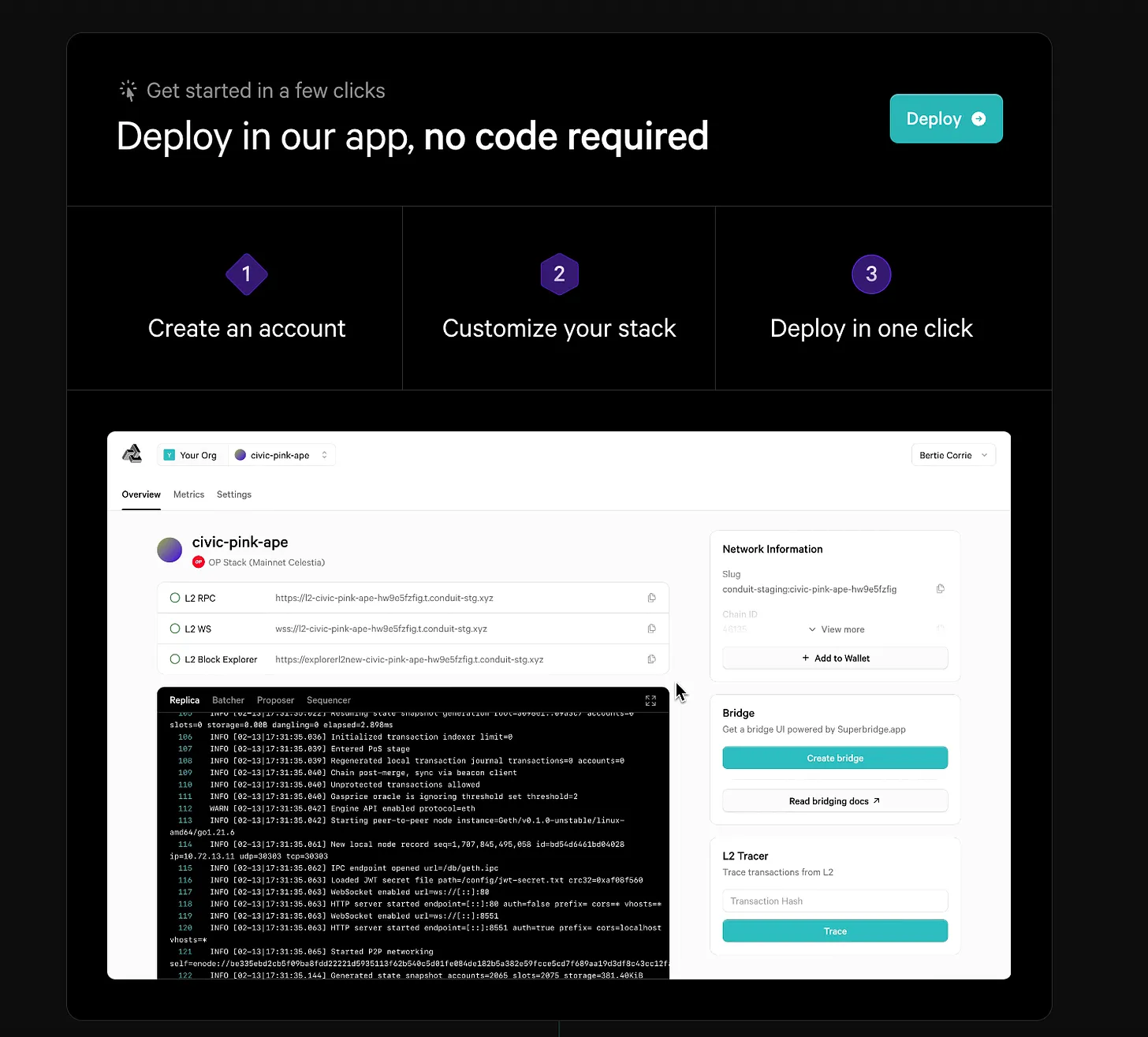
Let’s walk through the steps below.
Create a Rollup
First, click the Deploy button on the landing page. You'll be prompted to create an account and organization, then immediately taken to the setup page to deploy your first rollup.
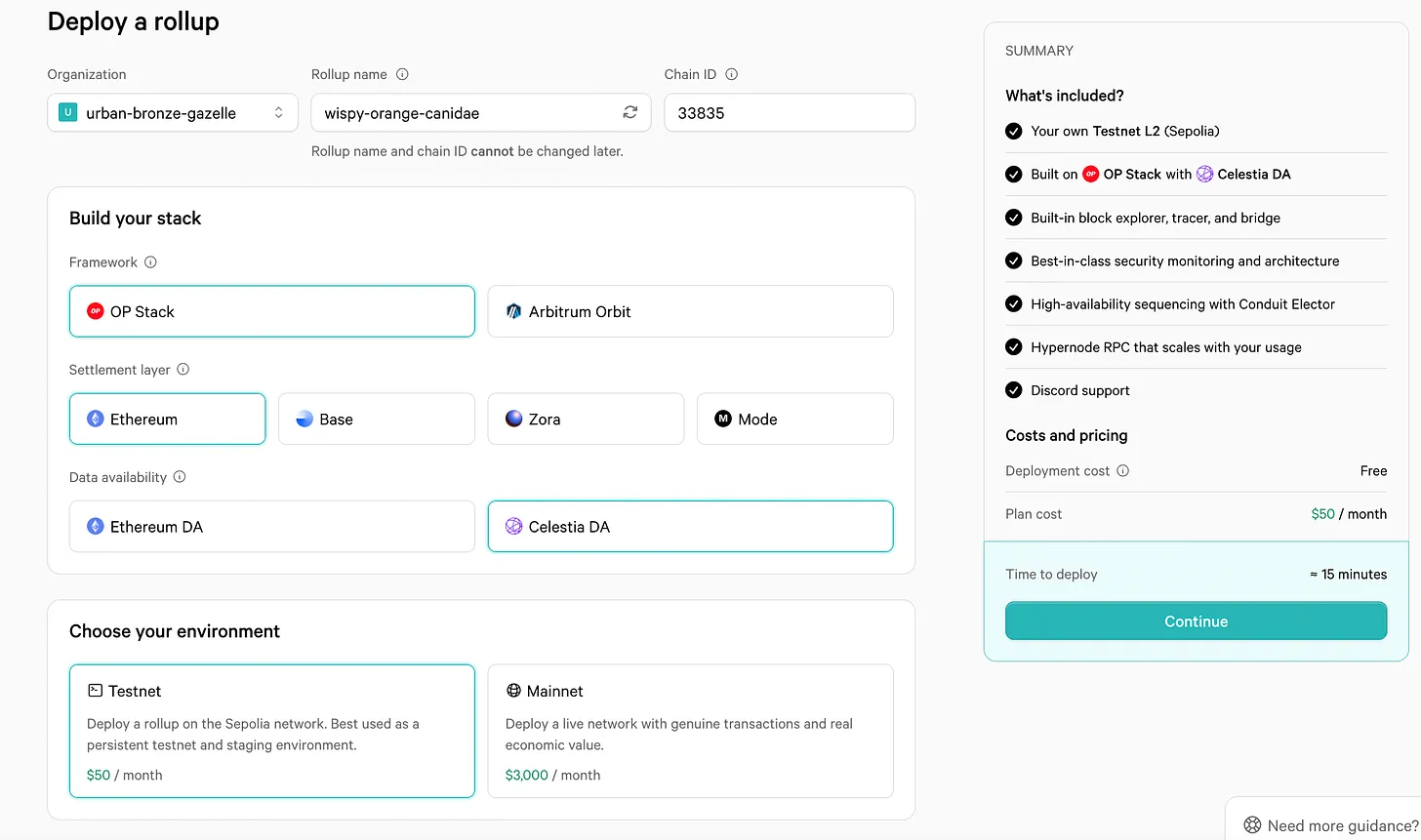
Using Conduit to create a mainnet rollup costs $3,000 per month. If you don't yet need a mainnet rollup, you can start with a testnet rollup for just $50 per month.
Conduit lets you choose between Optimism’s OP Stack or Arbitrum’s Orbit Stack. If you select Orbit, the following options will adjust accordingly.
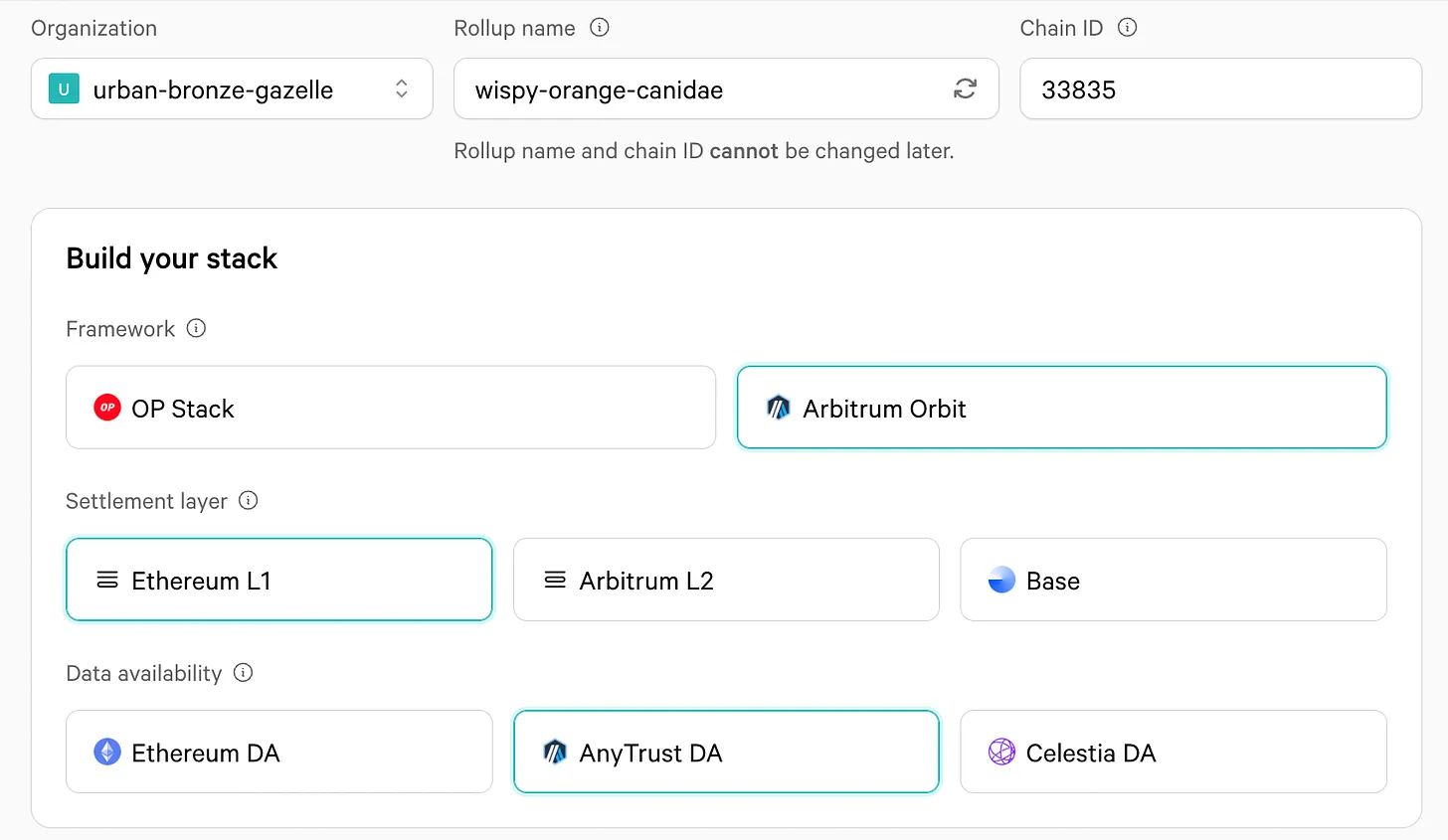
The settlement layer ensures transaction finality and security, while the data availability (DA) layer stores the information needed to reconstruct the rollup at any point in time.
Both are important, but as a simplified solution, settlement should ideally occur on a more decentralized blockchain like Ethereum—offering the highest financial security—while data availability can reside on a more centralized blockchain like Celestia, which supports storing larger volumes of data at lower cost.
In my testnet example, I stuck with the OP Stack, using Ethereum as the settlement layer and Celestia as DA. Nonetheless, Conduit allows you to mix and match these components to best suit your specific use case.
As you proceed, you'll be asked to pay the $50 monthly fee.
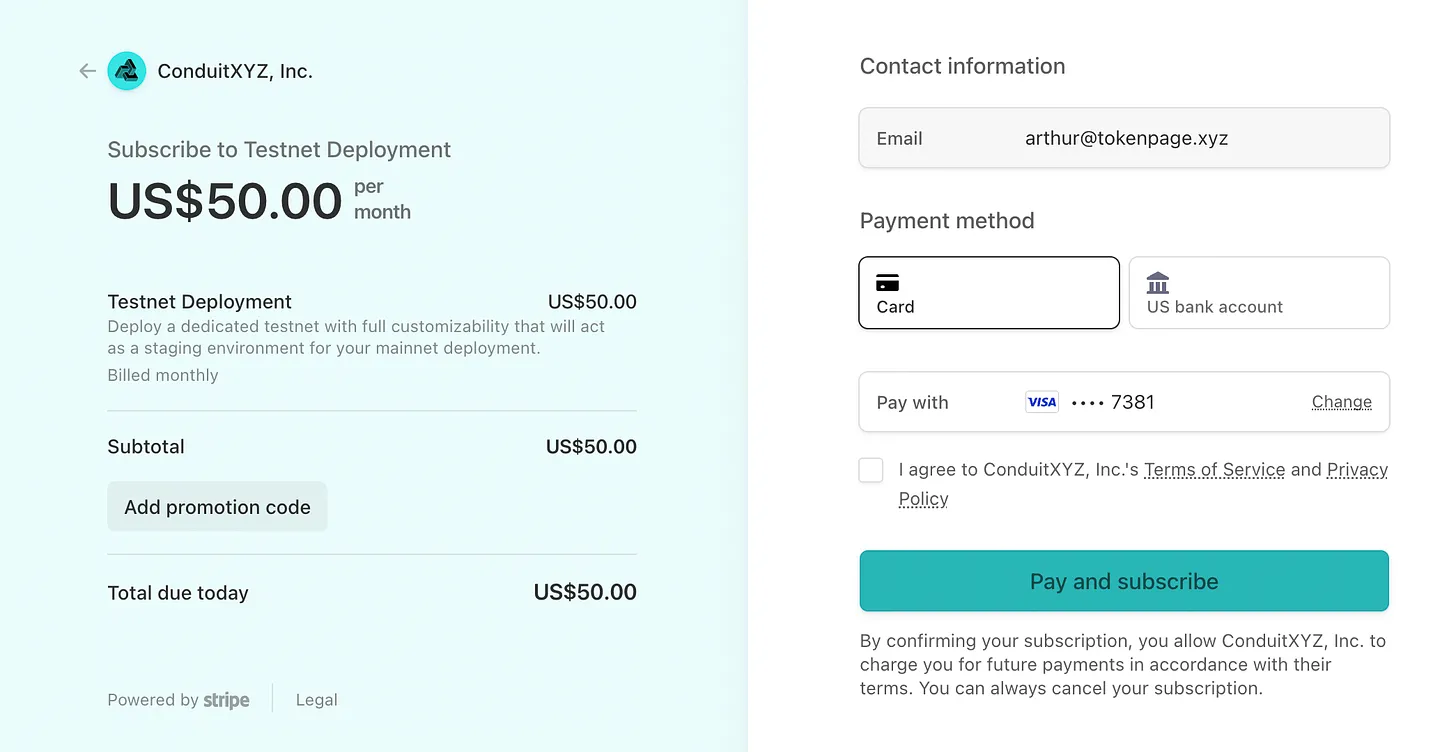
Once payment is complete, you're done! Within minutes, your first L2 rollup is configured.
You just need to wait 15–20 minutes while Conduit sets everything up. Once complete, your deployment will appear as follows:
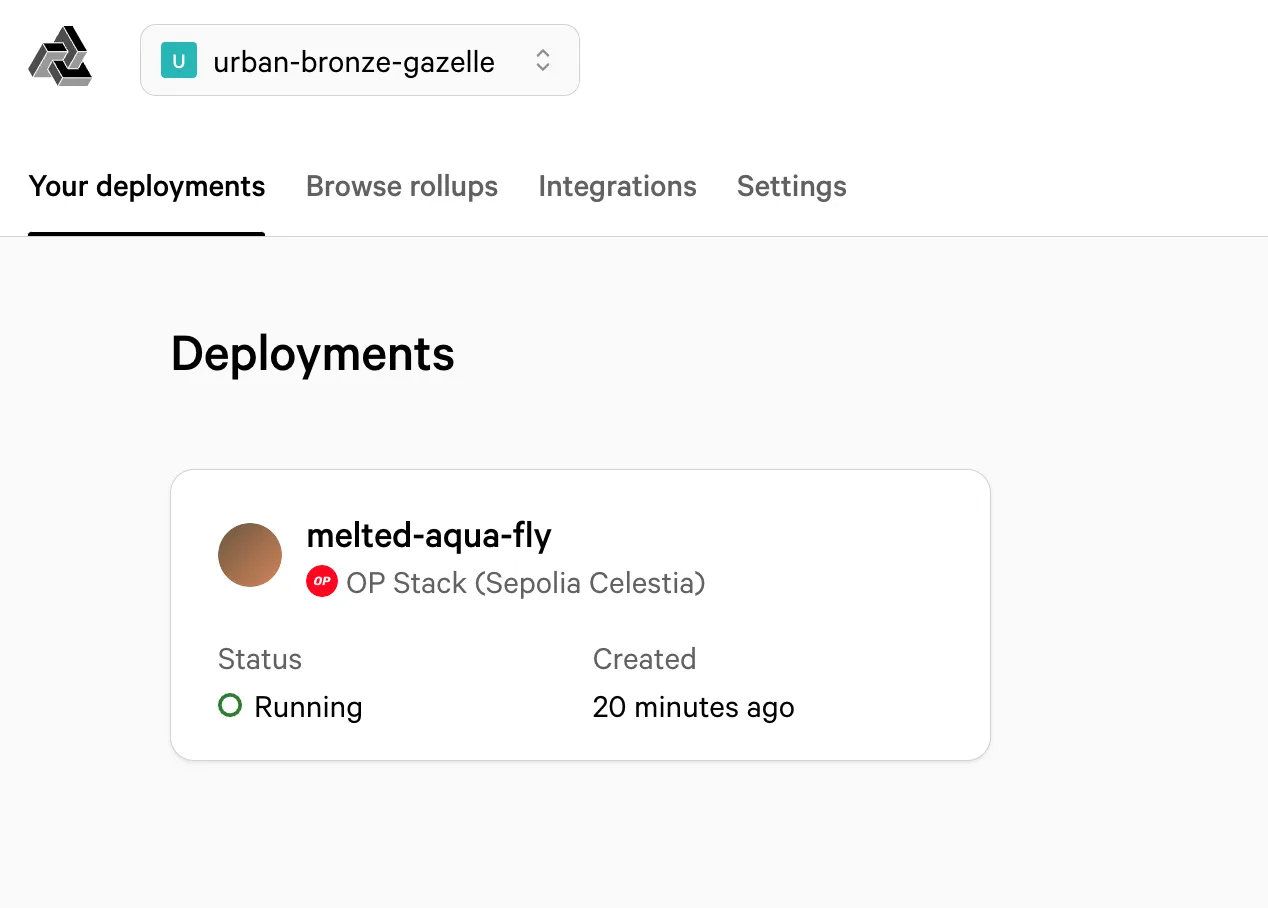
Your organization and rollup names are editable. Now you can begin using your new L2 rollup!
Getting Started with Your Rollup
After selecting your rollup from the deployment page, rollup information will display as shown below:
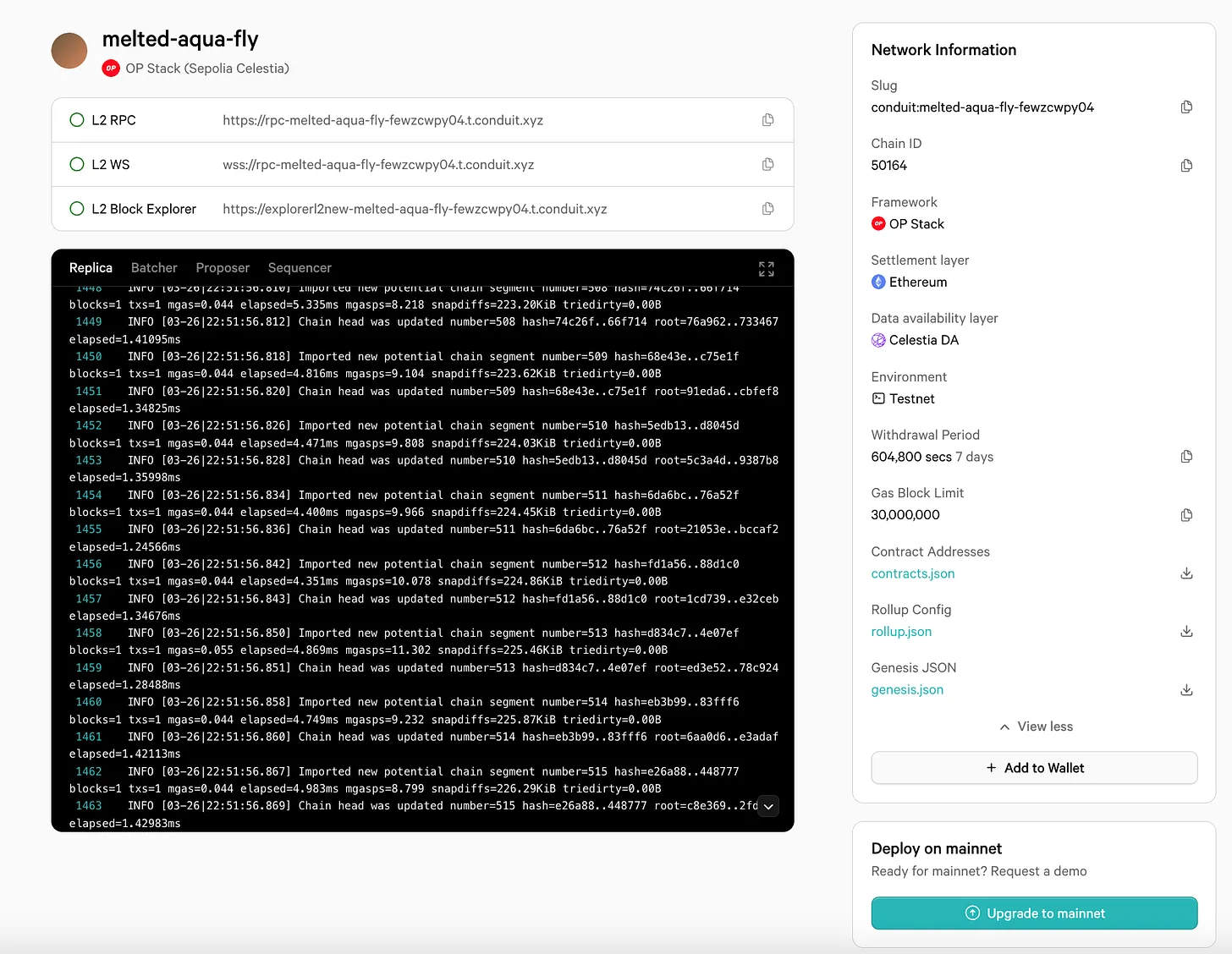
Rollup configuration settings appear on the right, and the black terminal box shows output indicating the L2 is running. You don’t need to fully understand the output—it’s enough to see that it continues updating.
Next, click "Add to Wallet" to add the network to your MetaMask or equivalent wallet.
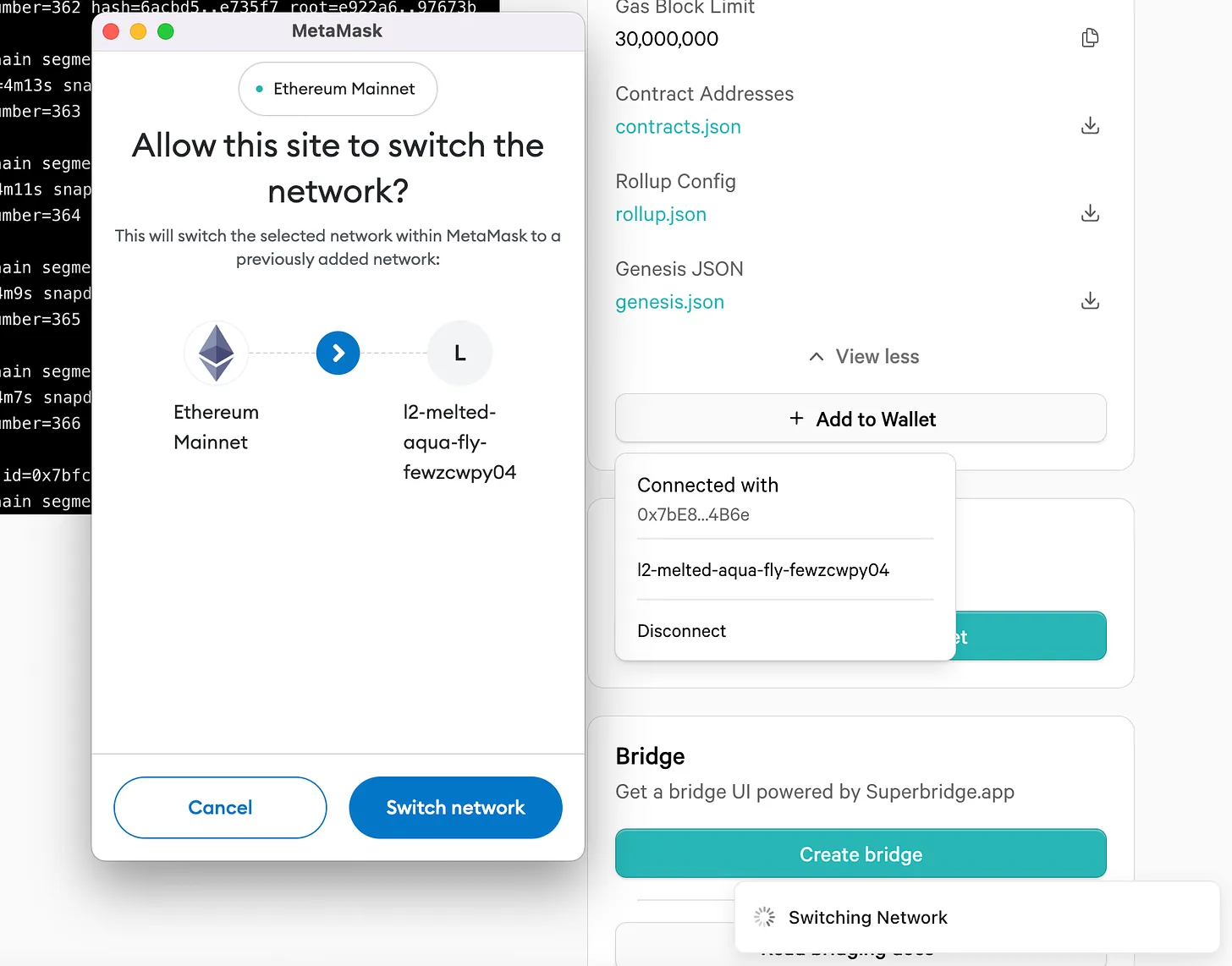
Then, click "Create Bridge" in the bridge section, which opens SuperBridge—a bridging application.
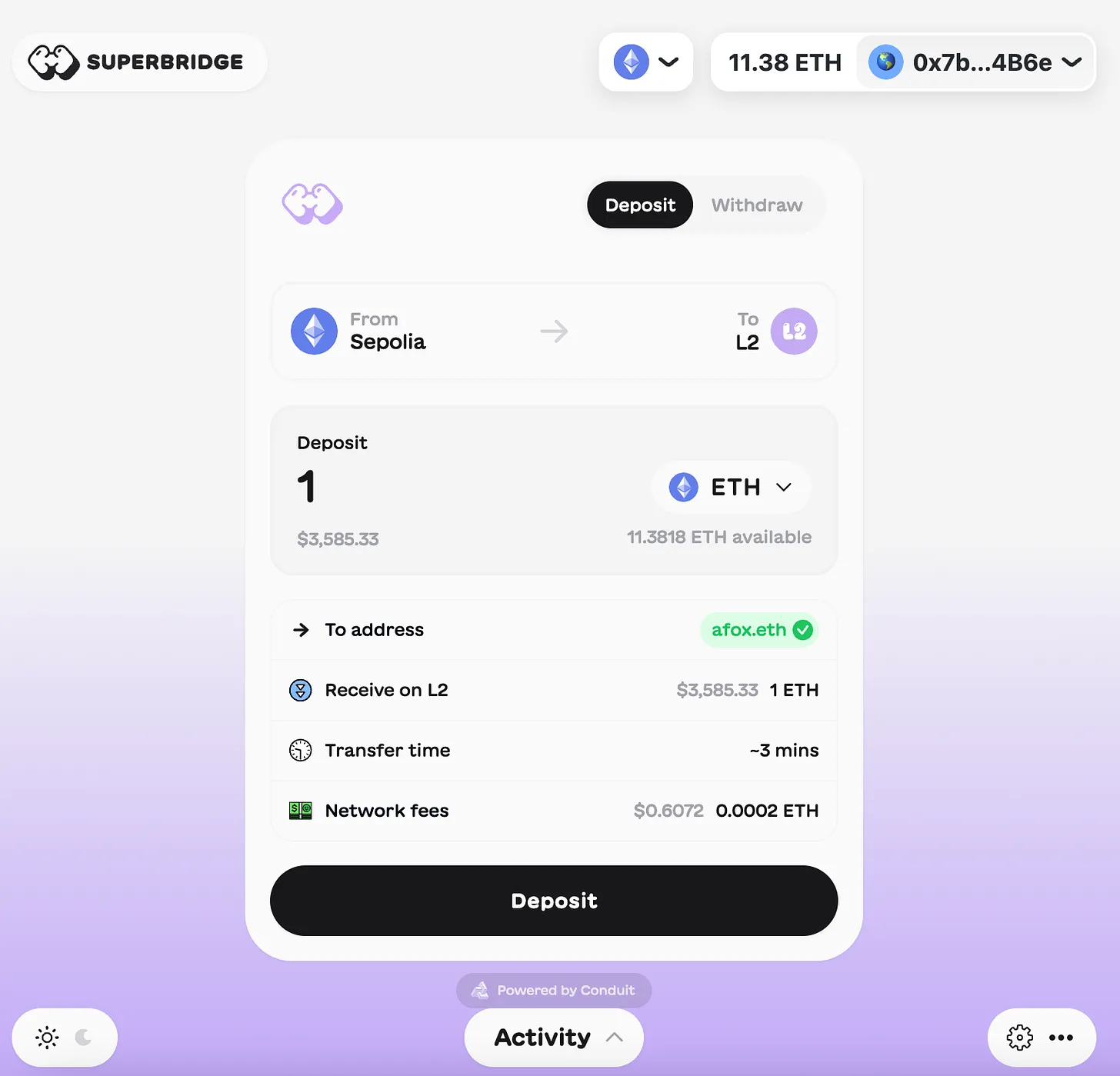
Since we’re on a testnet, you’ll be able to bridge Sepolia ETH to your new rollup. If you don’t have any Sepolia ETH, you can obtain some from this faucet.
I bridged over 1 ETH several times and ended up with 2 testnet ETH on my new L2 rollup, visible in my MetaMask wallet!
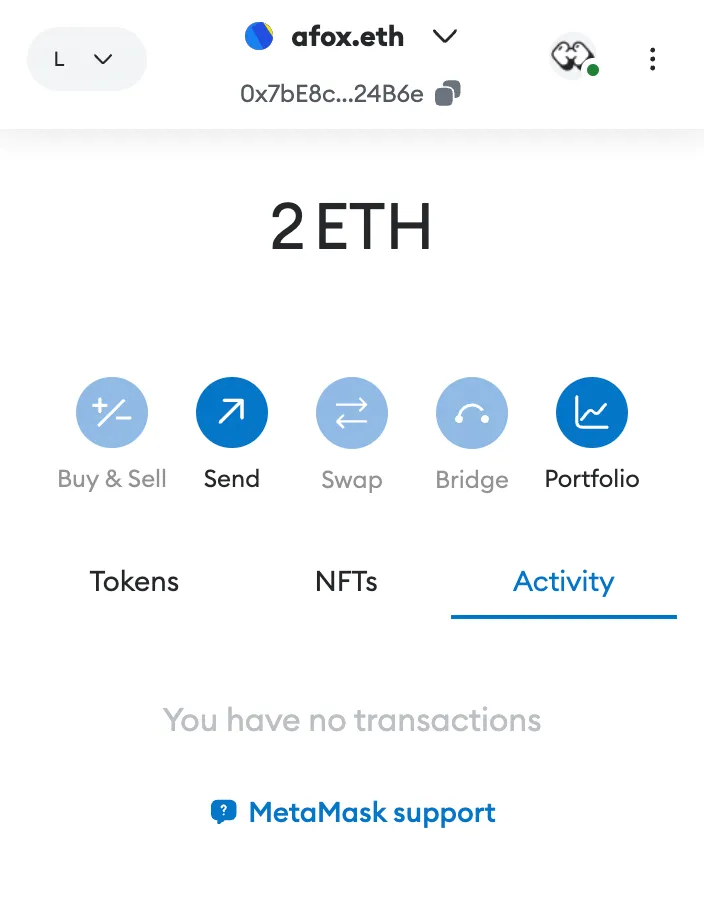
Now that you’ve bridged testnet ETH to your new rollup, you can start using it!
Further Usage of Your Rollup
Now that you have your own L2 rollup, you can directly deploy code onto it.
First, open the Remix IDE. I’ve previously explained how to use it in my tutorial titled "Write Your First Smart Contract."
Then copy the following code into a new file in Remix.
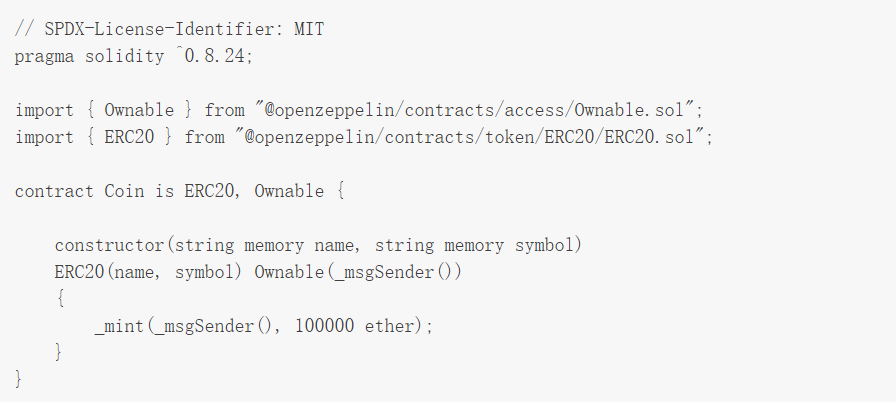
Change the environment to "Injected Provider" and set your MetaMask to the new rollup. Name your token and assign a symbol next to the orange Deploy button—in my case, I entered "Dog, DOG"—then click Deploy.
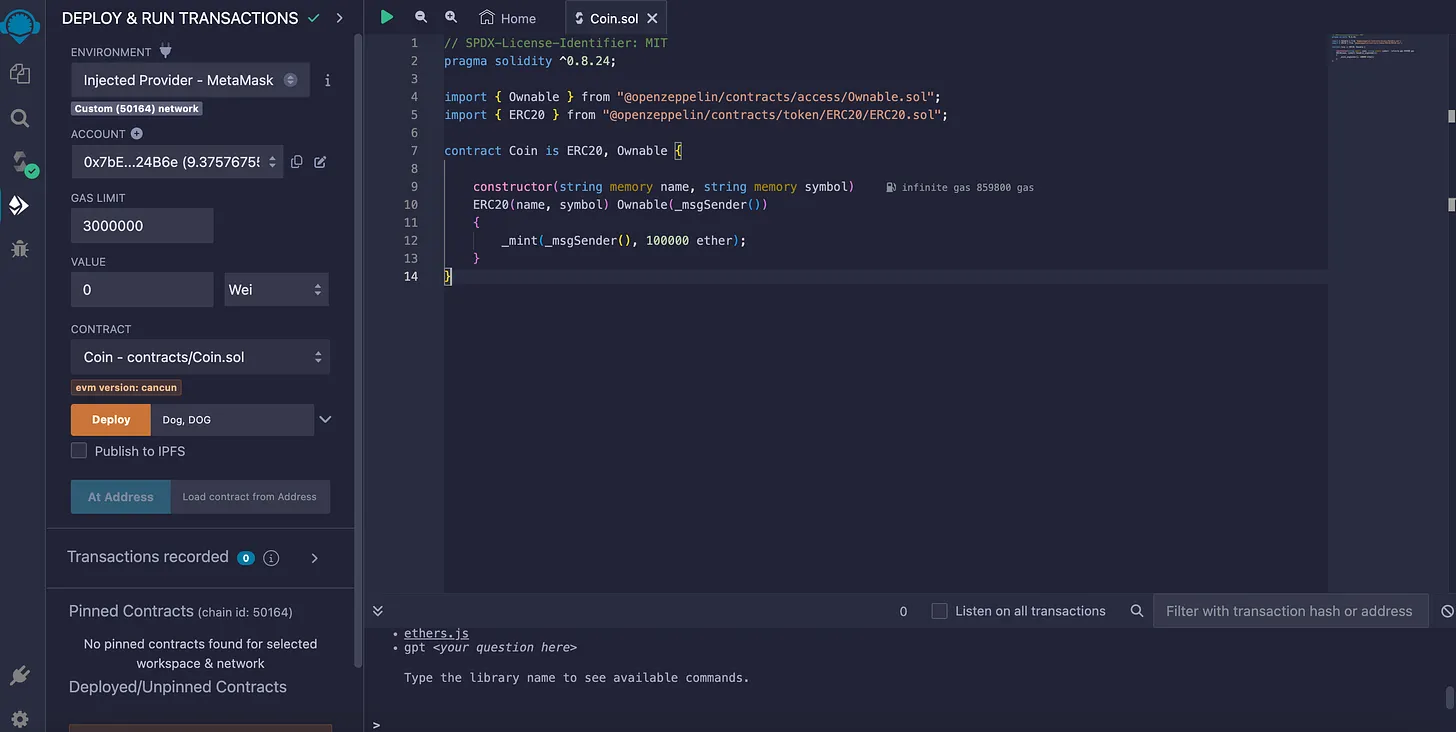
You’ll need to sign the transaction in MetaMask. Once processed, you’ll have successfully deployed a new token on your L2 rollup—pretty cool!
If I open MetaMask, I can add this token to my wallet by copying the contract address generated in Remix.
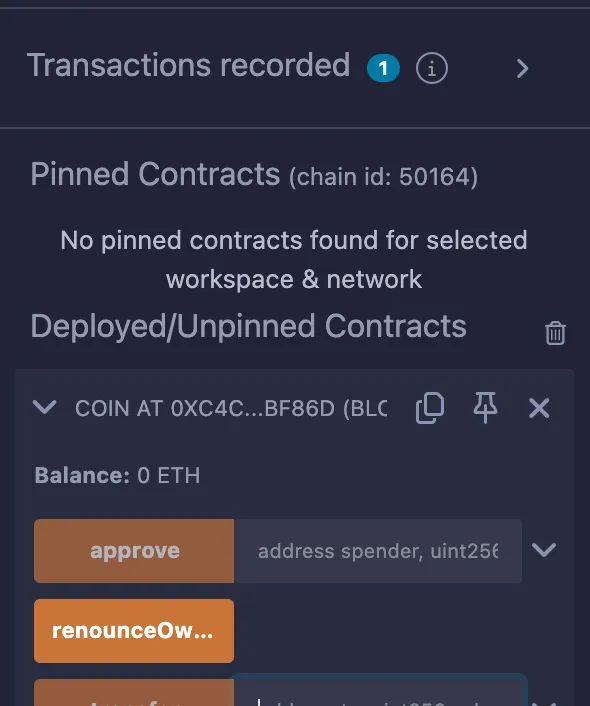
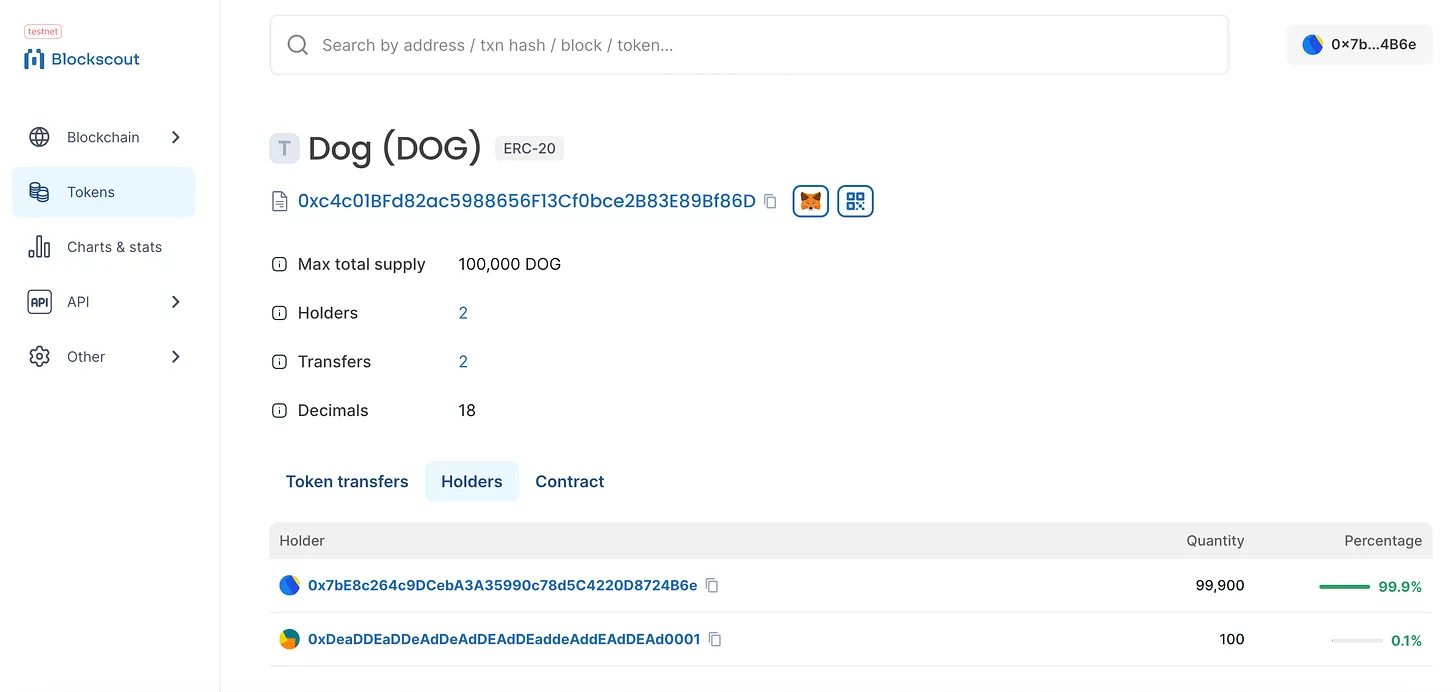
After doing so, I can see my new Dog token balance of 100,000 DOG. In MetaMask, I can send 100 DOG to another address on the network.
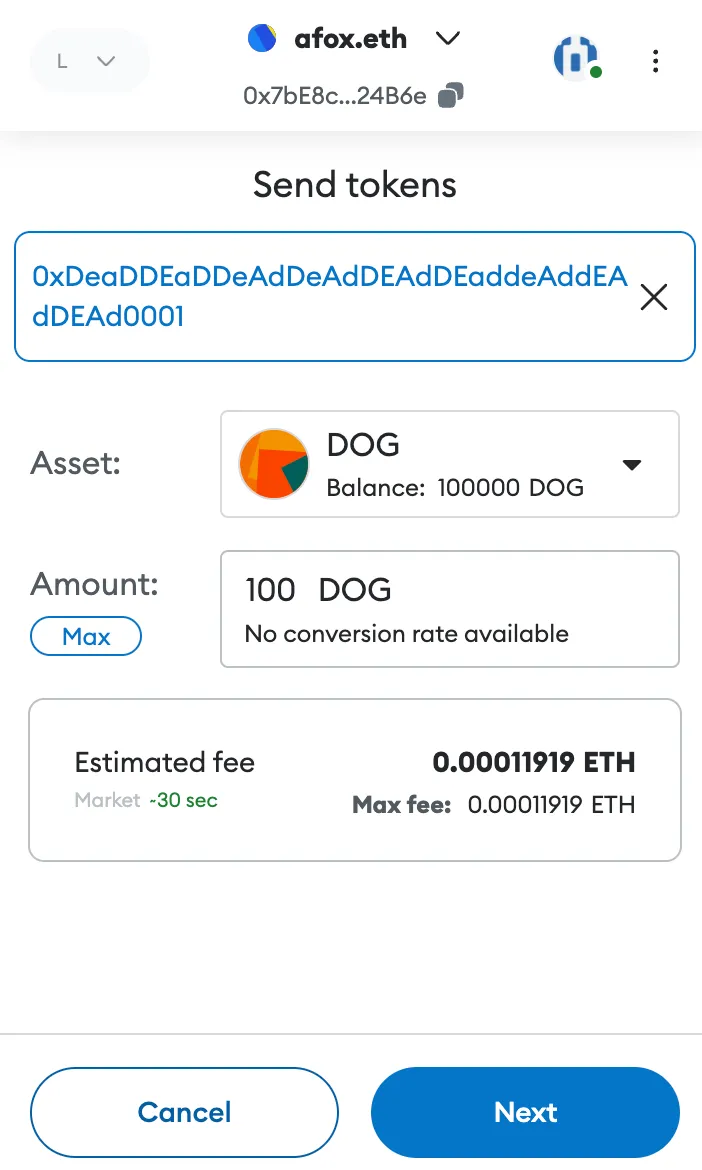
Amazing—we’ve not only created our own rollup, but also minted our own Dog token on this new blockchain and sent it to another account on the same chain.
Integrations
As you can see, you can do anything you'd like on your new L2 blockchain—create tokens, smart contracts, and dApps.
You could run anything from simple tokens to complex AMMs like Sushiswap on your rollup, similar to what we've seen across multiple chains.
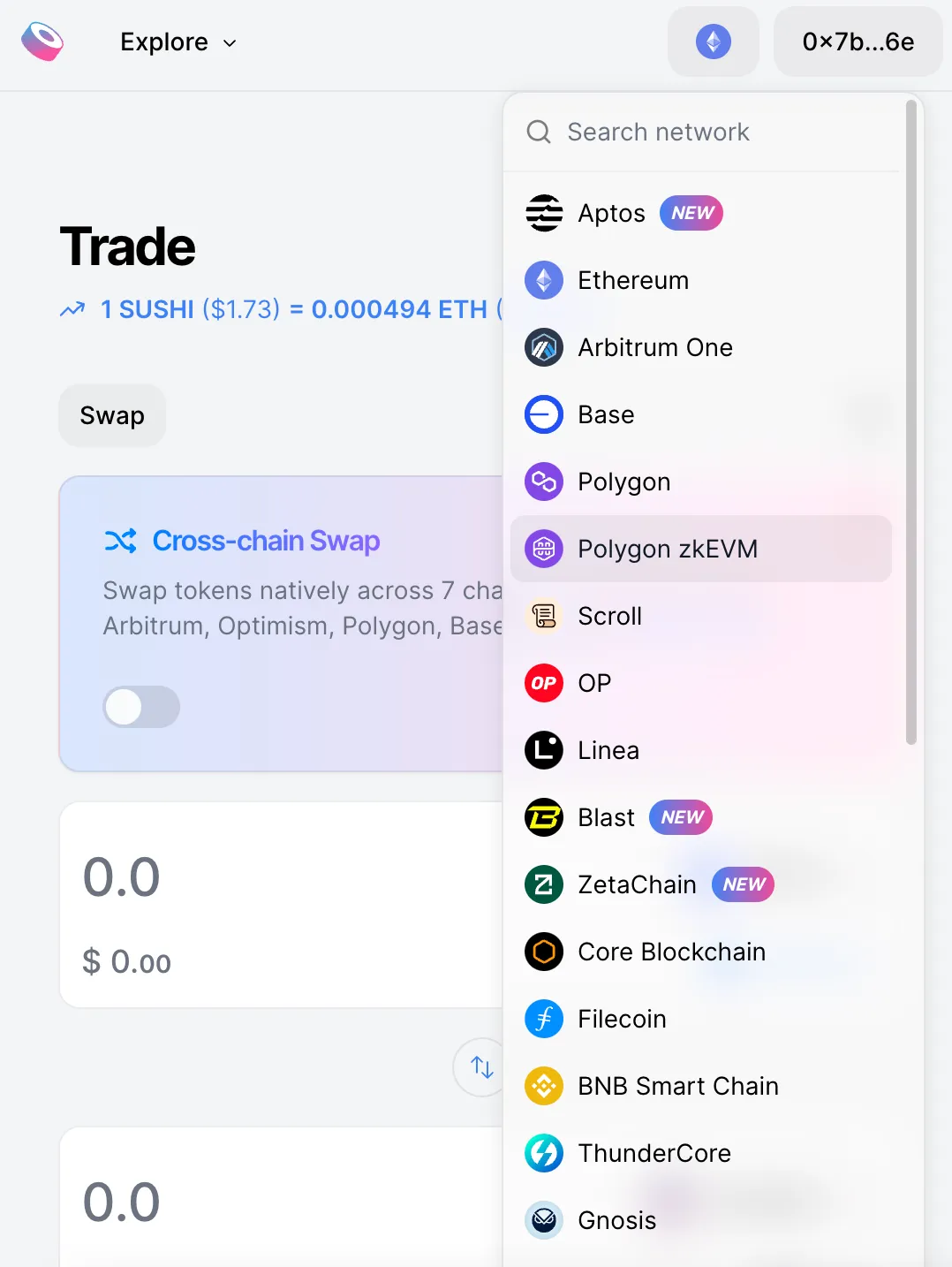
For integrating with various projects, Conduit offers an integrations page to help you deploy these applications onto your new rollup.
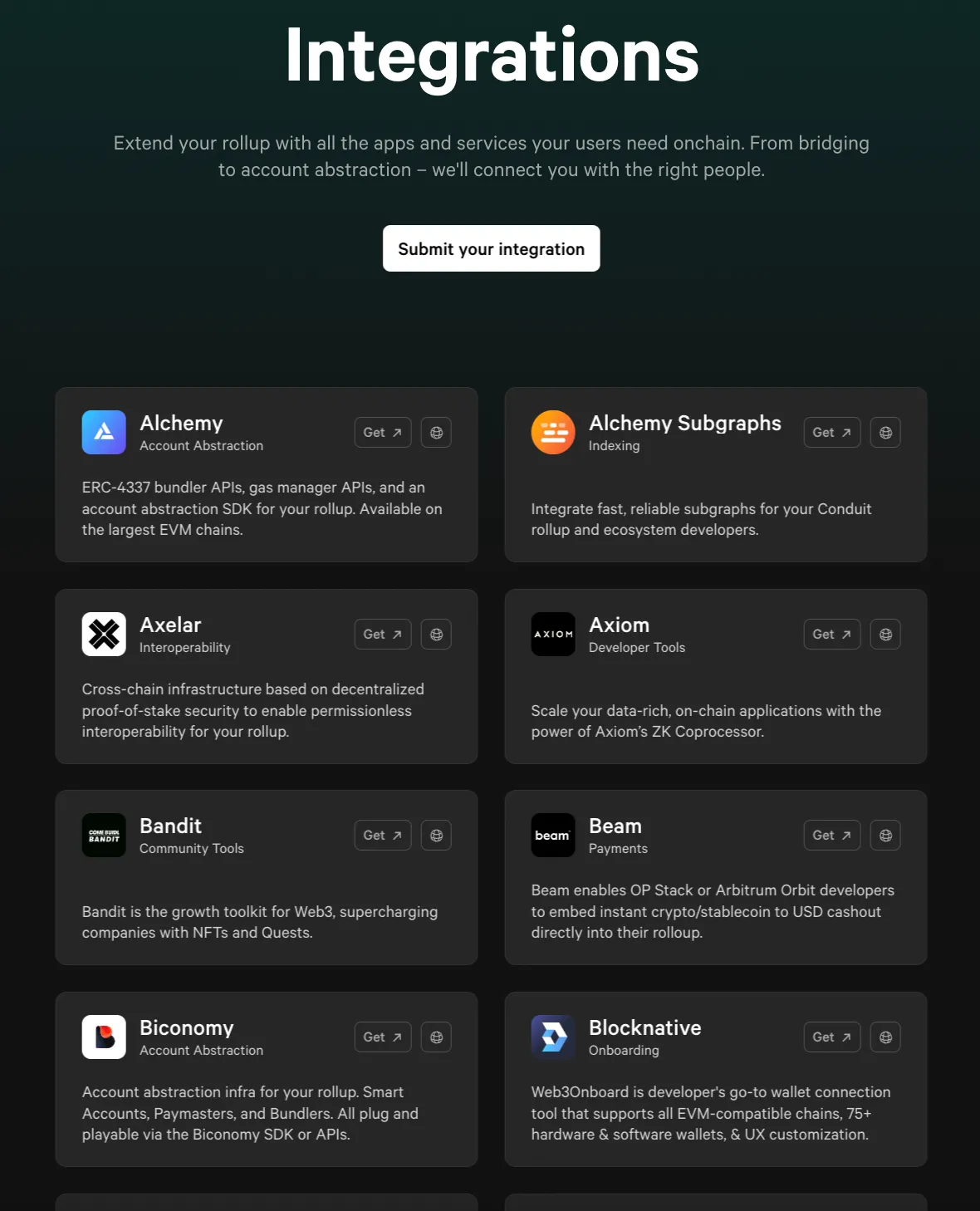
When you click "Get" on any dApp on this page, a form will pop up where you can explain why you want to integrate that dApp with your rollup.
Having such a simple interface to connect with dozens of the most popular dApps is incredibly helpful when launching a brand-new rollup.
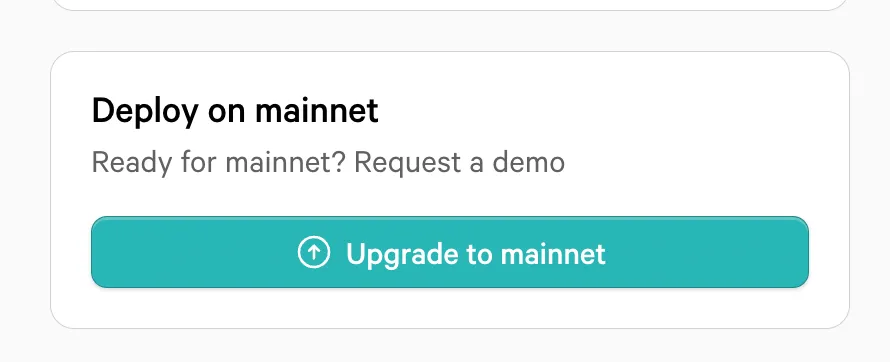
When you're satisfied with all your testing, you can migrate your rollup to mainnet. However, this upgrade costs $3,000 per month and requires scheduling a demo with Conduit to activate.
Verifying Our Actions via the Explorer
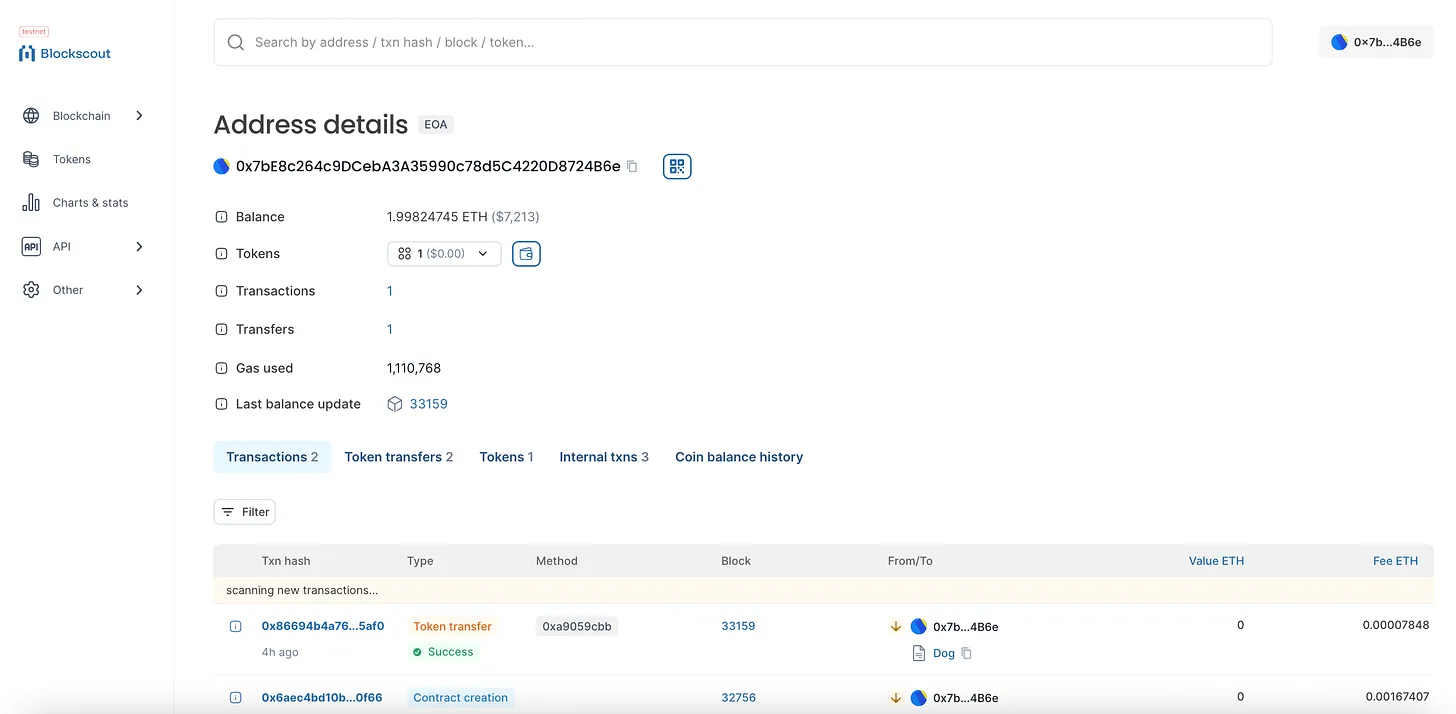
After experimenting with my new testnet rollup, I can verify everything by visiting the block explorer that Conduit automatically set up for me.
For instance, I can return to the explorer and check my address to view completed transactions and owned tokens.
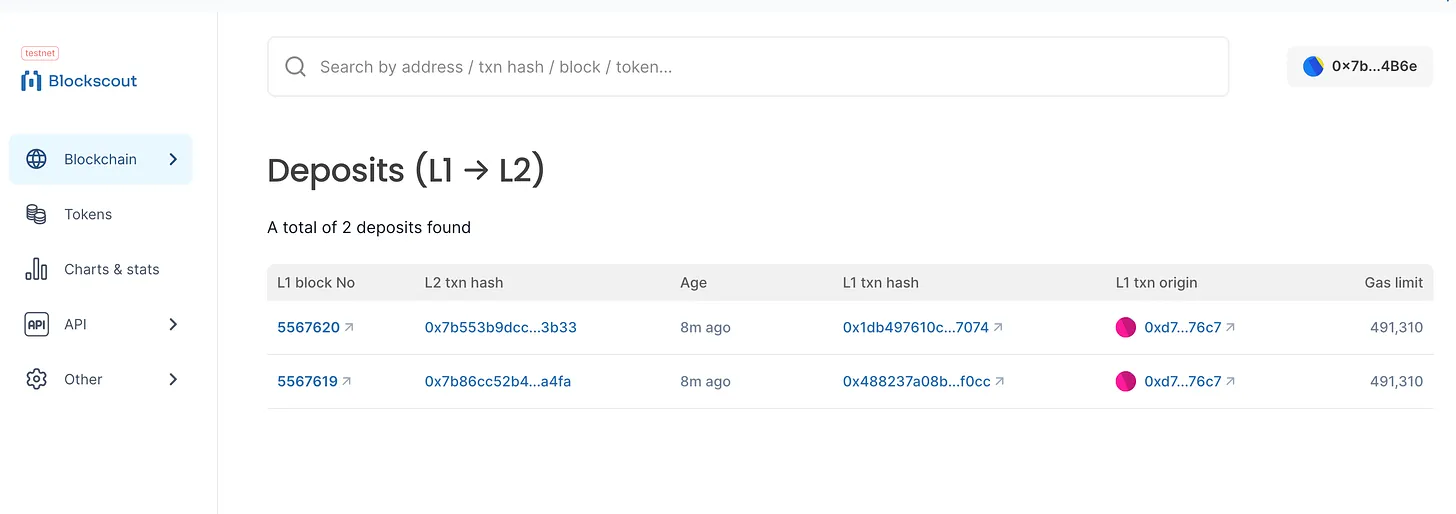
By selecting the Blockchain tab on the left and clicking options like “Deposits (L1→L2)”, I can access more blockchain-specific details—in this case, seeing the Sepolia ETH I bridged.
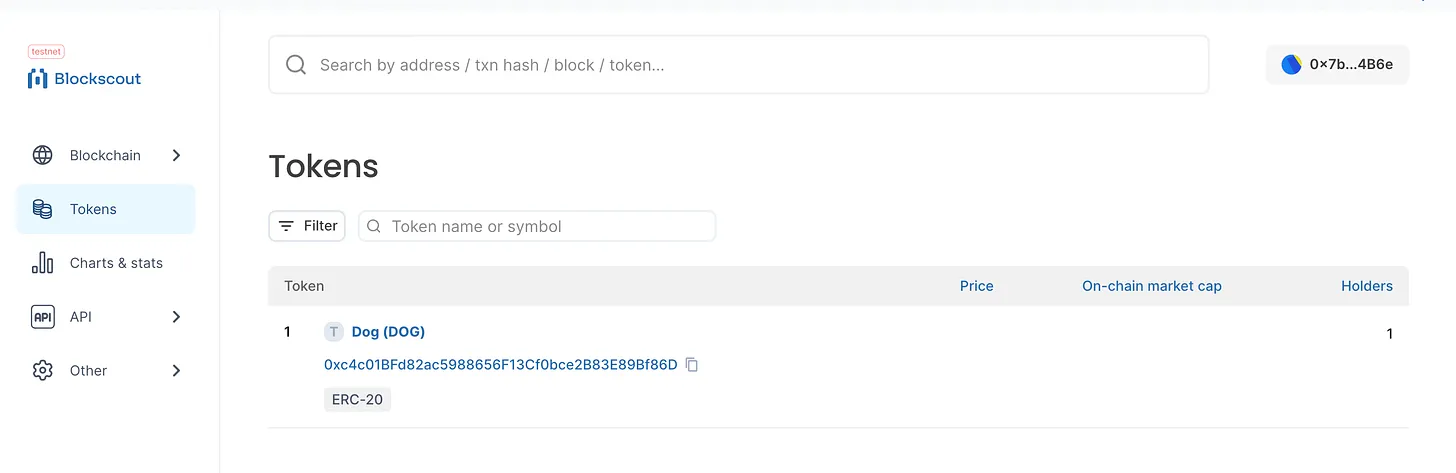
After selecting Tokens, I can also see my newly deployed DOG token.
I can drill deeper into this token and see there are two holders, since I sent 100 DOG to another account on the network.
Clearly, I’ve only scratched the surface of what’s possible with your own rollup. In future posts, I may dive deeper into different use cases.
What's truly fascinating is that, thanks to RaaS making rollup creation effortless, L2s are likely to become ubiquitous—with potentially thousands of them existing.
So the real question becomes: How will you differentiate your L2 rollup from the rest?
Join TechFlow official community to stay tuned
Telegram:https://t.me/TechFlowDaily
X (Twitter):https://x.com/TechFlowPost
X (Twitter) EN:https://x.com/BlockFlow_News
 @afoxinweb3


