


LayerZero Popular Project Airdrop Tutorial Compilation
TechFlow Selected TechFlow Selected
LayerZero Popular Project Airdrop Tutorial Compilation
This article aims to outline the entire process of farming LayerZero, serving as a reference for airdrop hunters.
 Navigating Web3 tides with focused insights
Produced by: TechFlow Research Institute
Summary: Rain Sleeping Wildly
This article aims to outline the complete process of farming on LayerZero, serving as a reference for airdrop hunters.
1. Interact with Stargate Finance
Stargate Finance is the first project on LayerZero and currently the most popular farming target. Become a member of the Stargate Finance DAO to qualify for potential LayerZero airdrops.
1. Purchase STG tokens from any platform such as Uniswap or Binance
BNB contract address: 0xb0d502e938ed5f4df2e681fe6e419ff29631d62b
ETH contract address: 0xaf5191b0de278c7286d6c7cc6ab6bb8a73ba2cd6
Recommended to stake on ETH
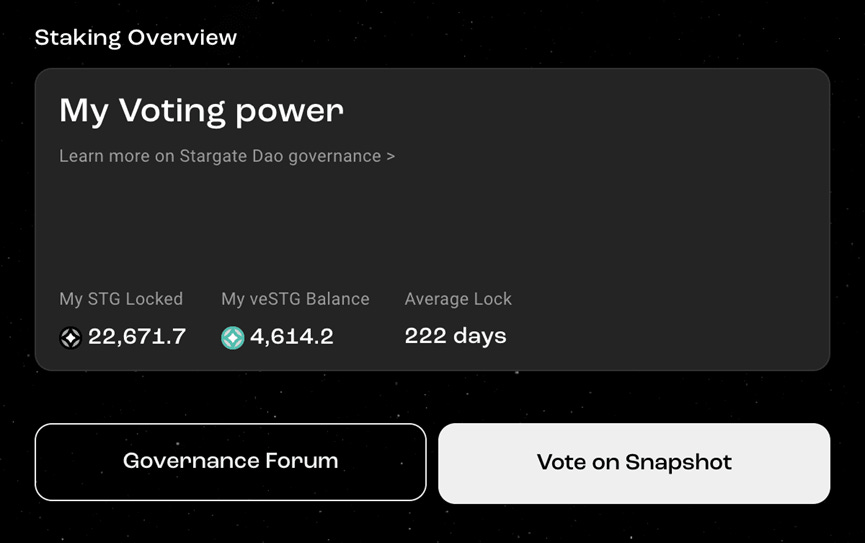
2. Go to the Stargate Finance official website, connect your wallet, and stake STG tokens to gain voting power (Voting Power). Check your veSTG balance and lock-up duration.
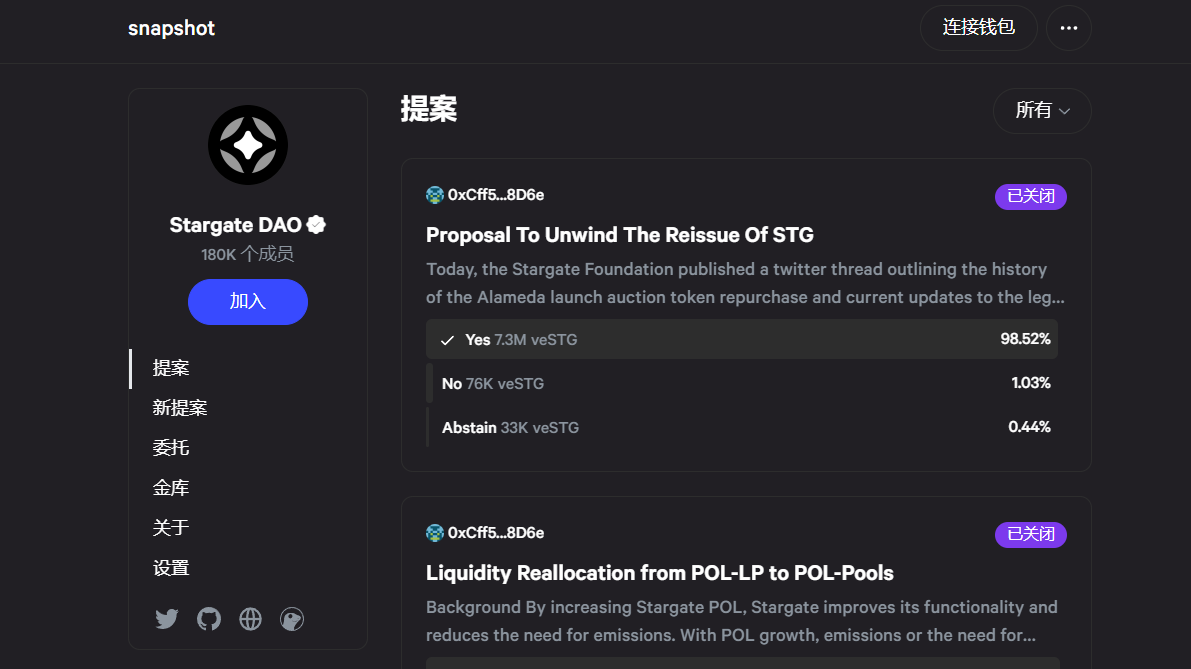
3. Visit the StargateDAO interface on Snapshot, select "Join" on the left, and participate in governance voting. All current votes are closed; follow official community channels and accounts for updates on new voting opportunities.
4. Use the Stargate bridge for cross-chain transfers—once per day for five consecutive days each month (total of 5 days monthly).
2. Testnet Interaction
Interact between Ethereum's Goerli testnet and Avalanche. No personal funds required—first claim testnet tokens (faucets), one per day. On the official Circle cross-chain bridge testnet site, under the CONNECT button, you’ll find three faucet links: Faucet USDC, Faucet ETH, and Faucet AVAX.
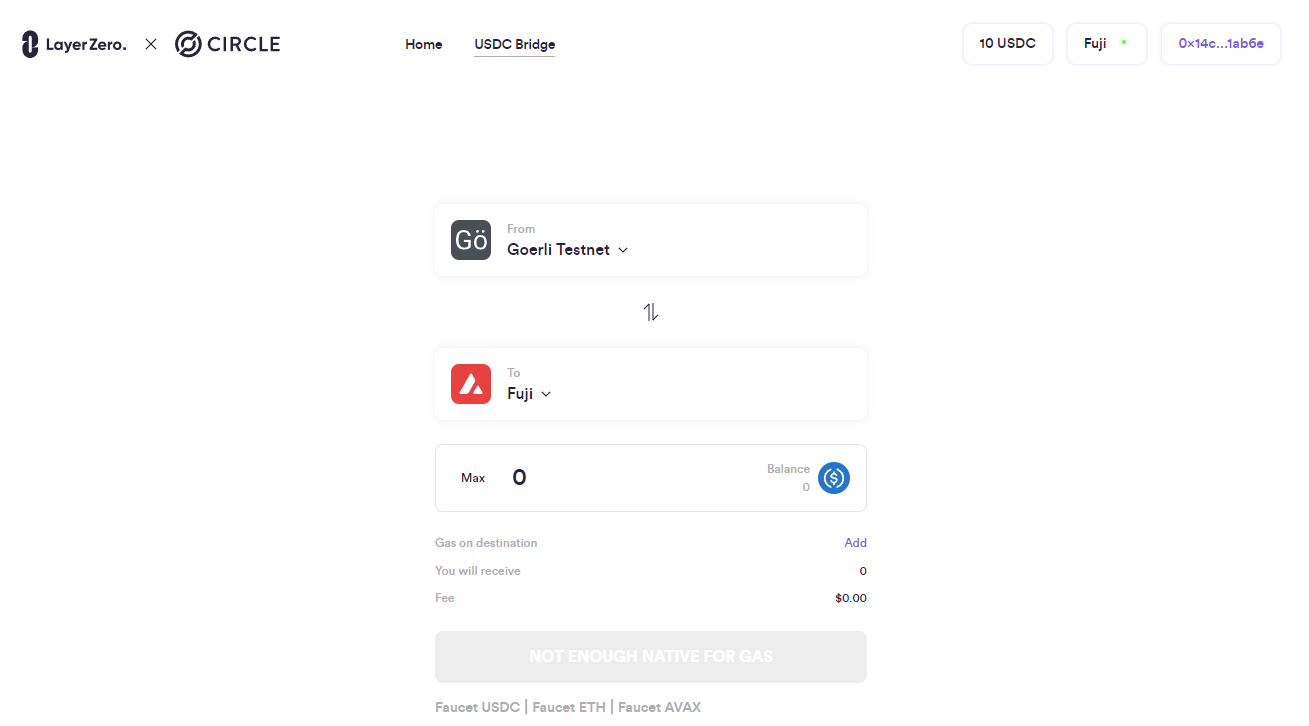
1. Faucet USDC
Select the ETH network on the webpage, switch MetaMask to this network, enter your wallet address, complete CAPTCHA verification, then click Submit.
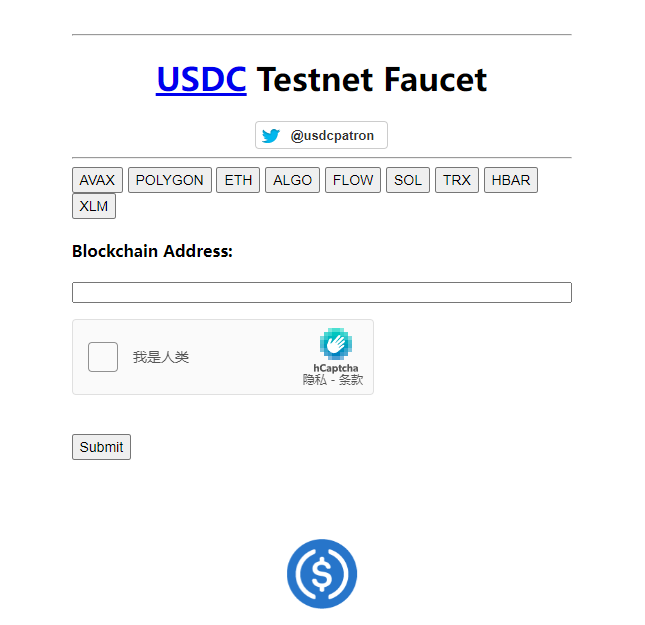
2. Faucet ETH — visit the faucet
It requires Avalanche registration, but alternatively use Chainlink’s faucet to claim test ETH.
Add the Avalanche network to MetaMask or directly add your wallet on Chainlink. The page will notify that Ethereum mainnet is unsupported and provide configuration details—copy and paste them into MetaMask.

Enter your wallet address, pass the CAPTCHA, and select “Send Me”.
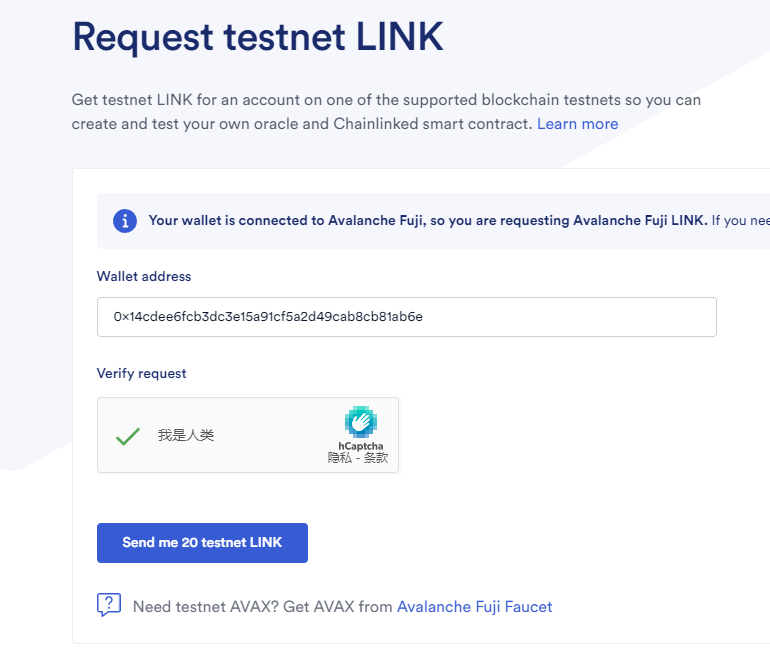
Wait for the transfer to complete.
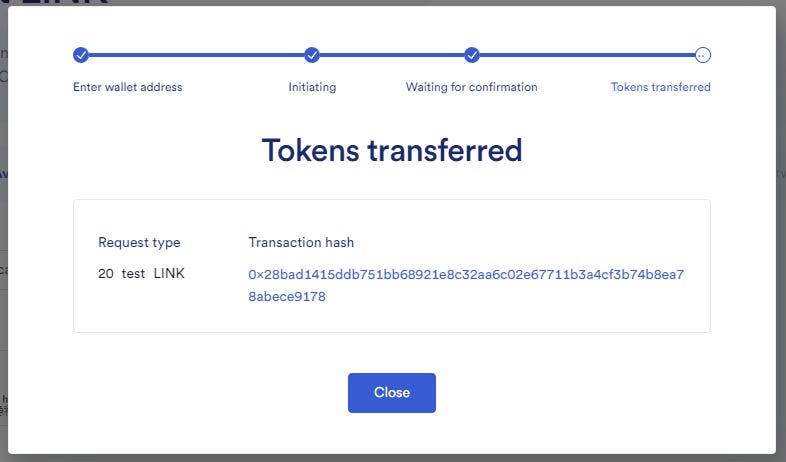
3. Faucet AVAX,
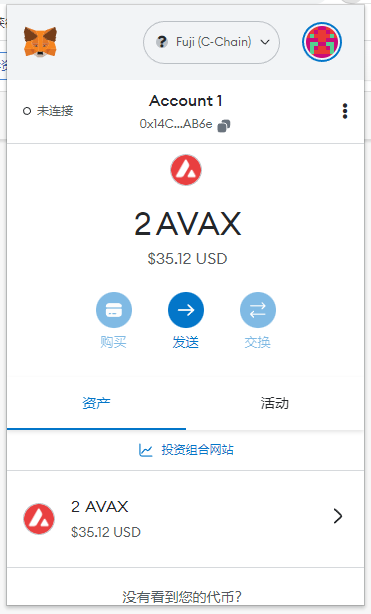
Connect your MetaMask wallet to the website and click REQUEST 2 AVAX.
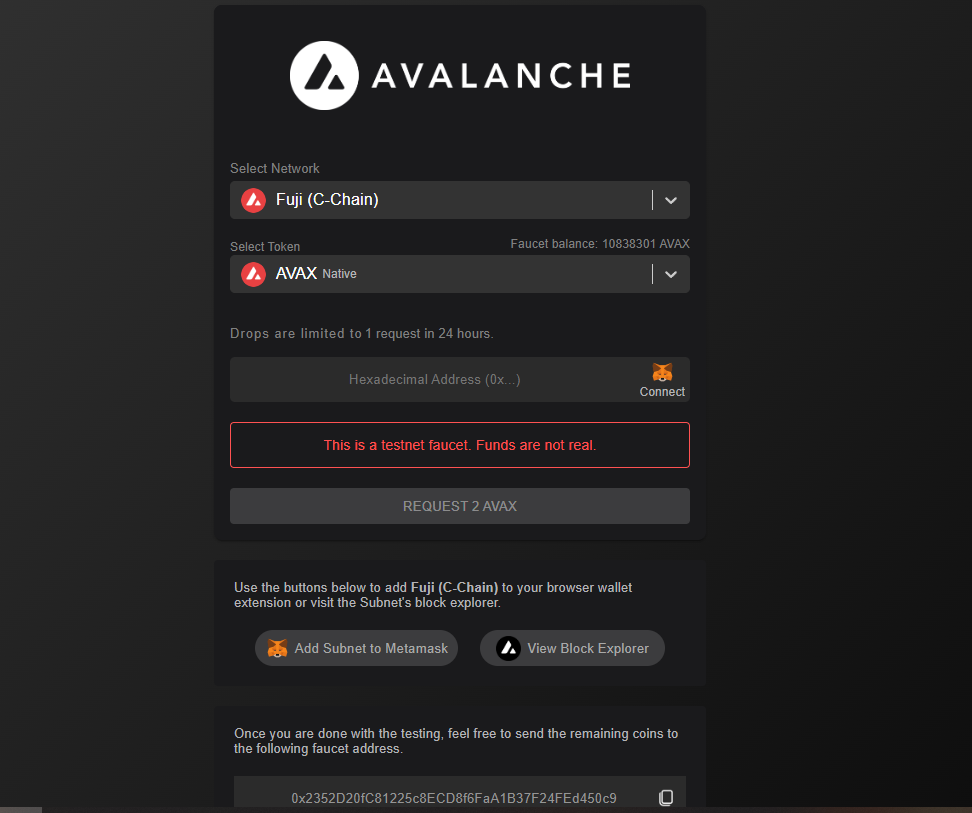
After success, click Add Subnet to Metamask, approve in the popup window, and allow network switching.
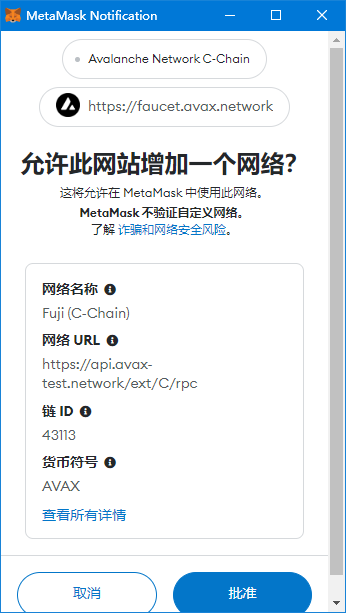
You can now view the received 2 AVAX test tokens in MetaMask.
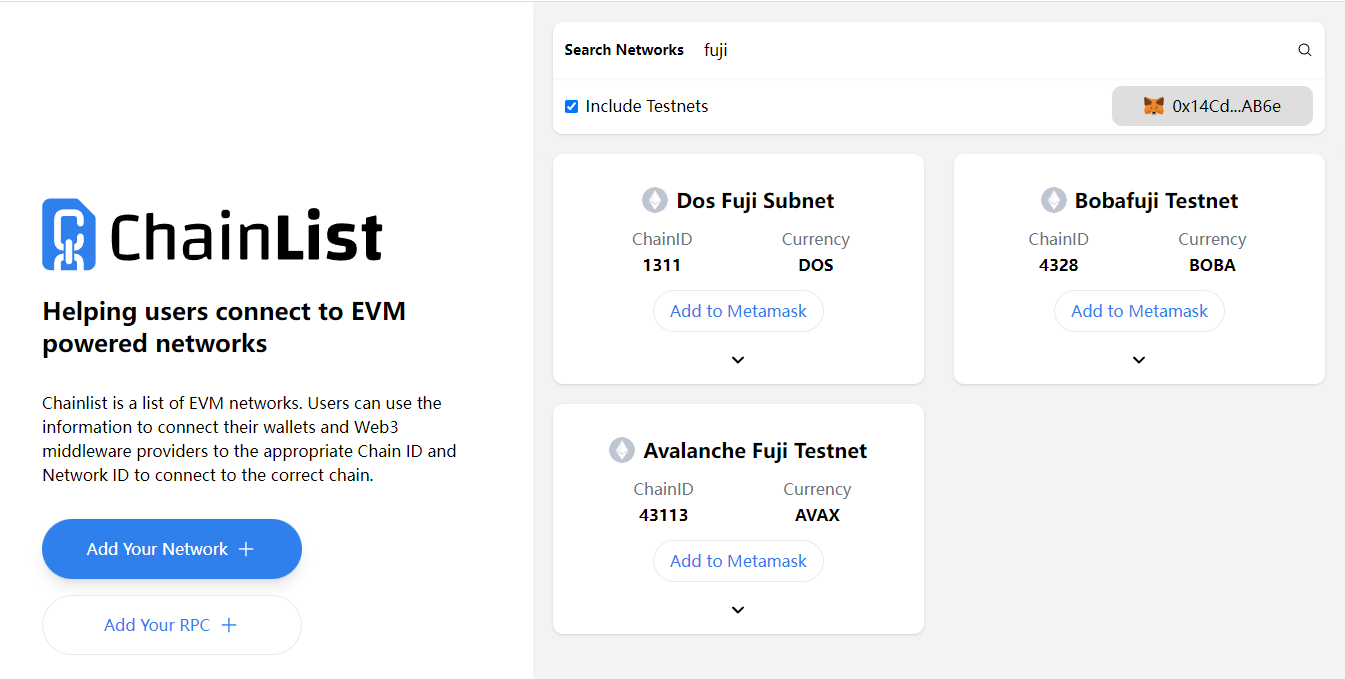
If unable to add the Avalanche Fuji testnet to MetaMask via the above steps, go to Chainlist, connect your wallet, check Include Testnets, search for "Fuji", select Avalanche Fuji Testnet, click Add to Metamask, and confirm in your wallet.
4. After claiming all test tokens, return to the Circle cross-chain bridge testnet, input the amount to transfer, click Transfer, confirm in your wallet, and perform several round-trip interactions daily. Be active across five calendar days per month.
3. Interact with RageTrade
RageTrade is an on-chain derivatives trading platform built on Arbitrum and also based on LayerZero. Its RAGE token is still in testing phase, but interacting with RageTrade may also position you for a potential ZRO airdrop.
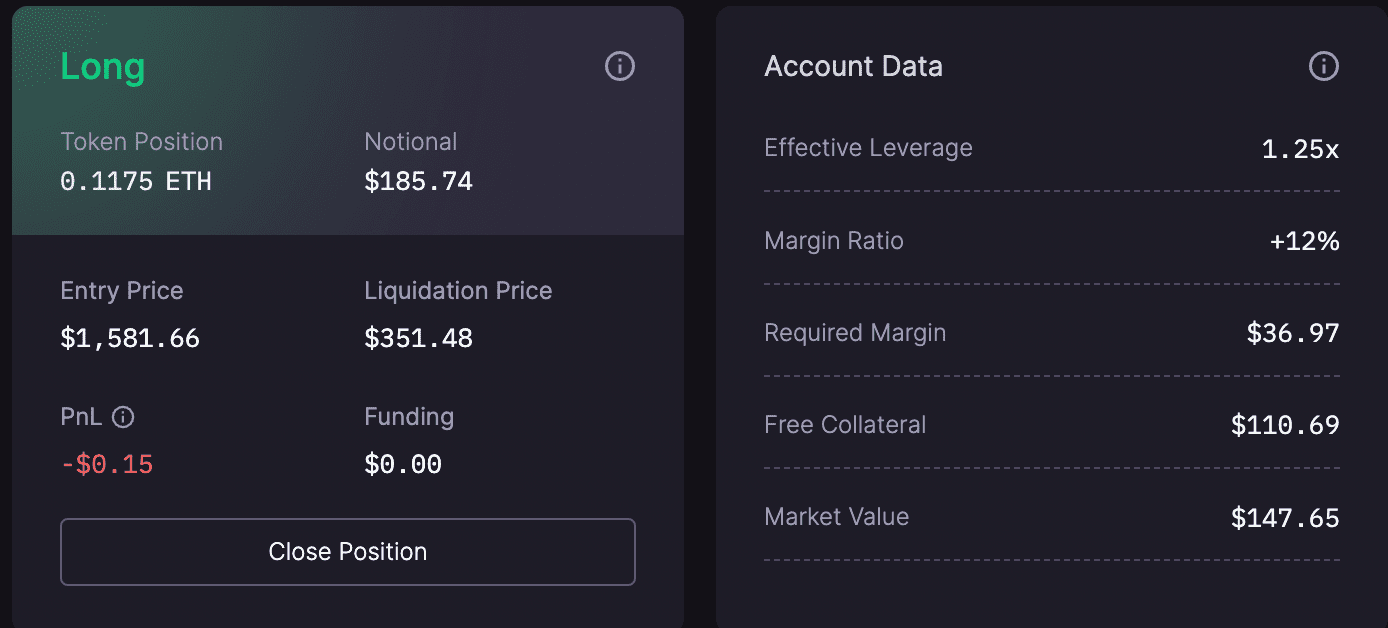
1. Interact with the contract—currently only ETH-USDC pair is available. Choose Long/Short, click Swap to trade. Upon successful order, your position will appear at the bottom of the website.
4. Interact with Aptos Ecosystem
❗ Note: Mainnet interaction requires APT as gas fee. It is recommended to deposit tokens directly from centralized exchanges.
1. Buy some LQD tokens on Liquidswap.
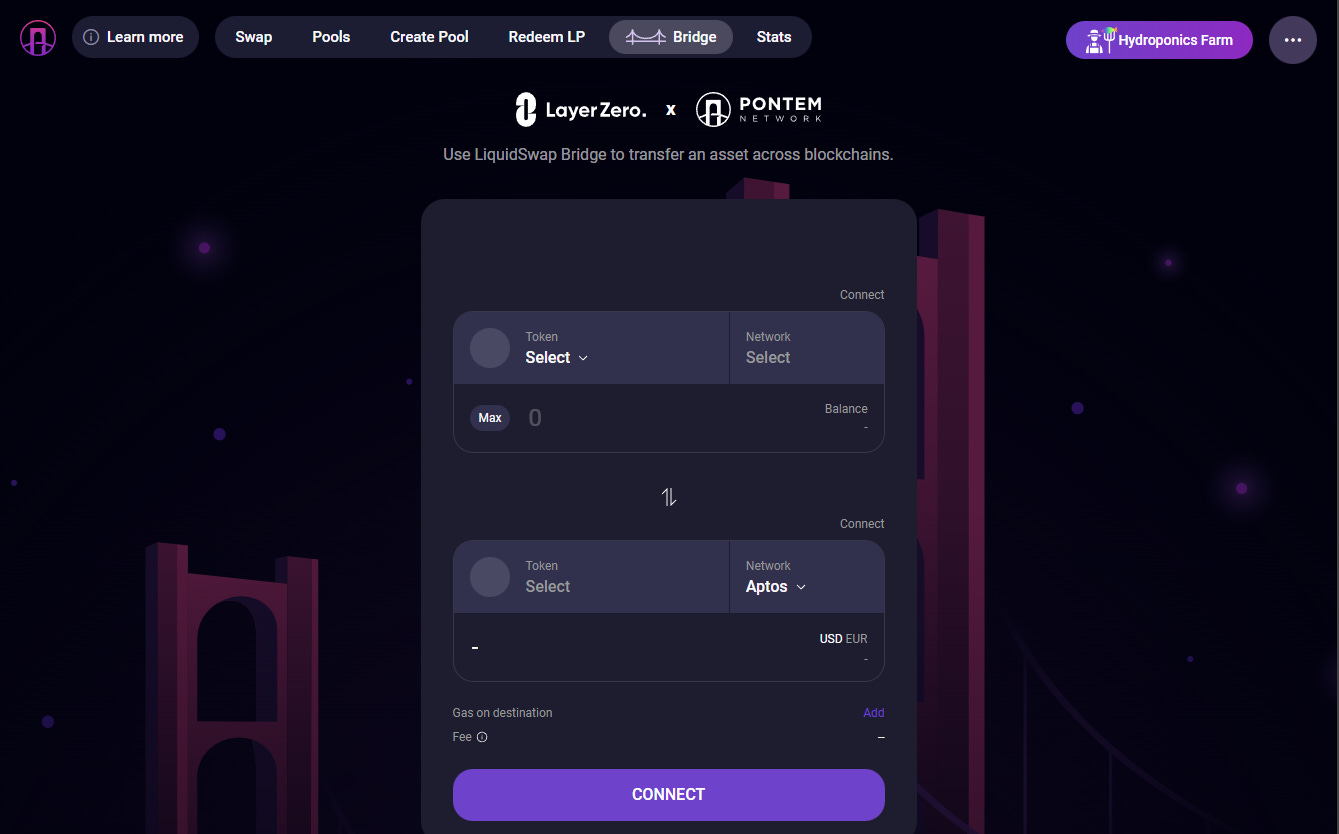
Then buy APT on Binance or other exchanges. In addition to MetaMask, you'll need one of the Aptos ecosystem wallets below (Pontem is the most popular):
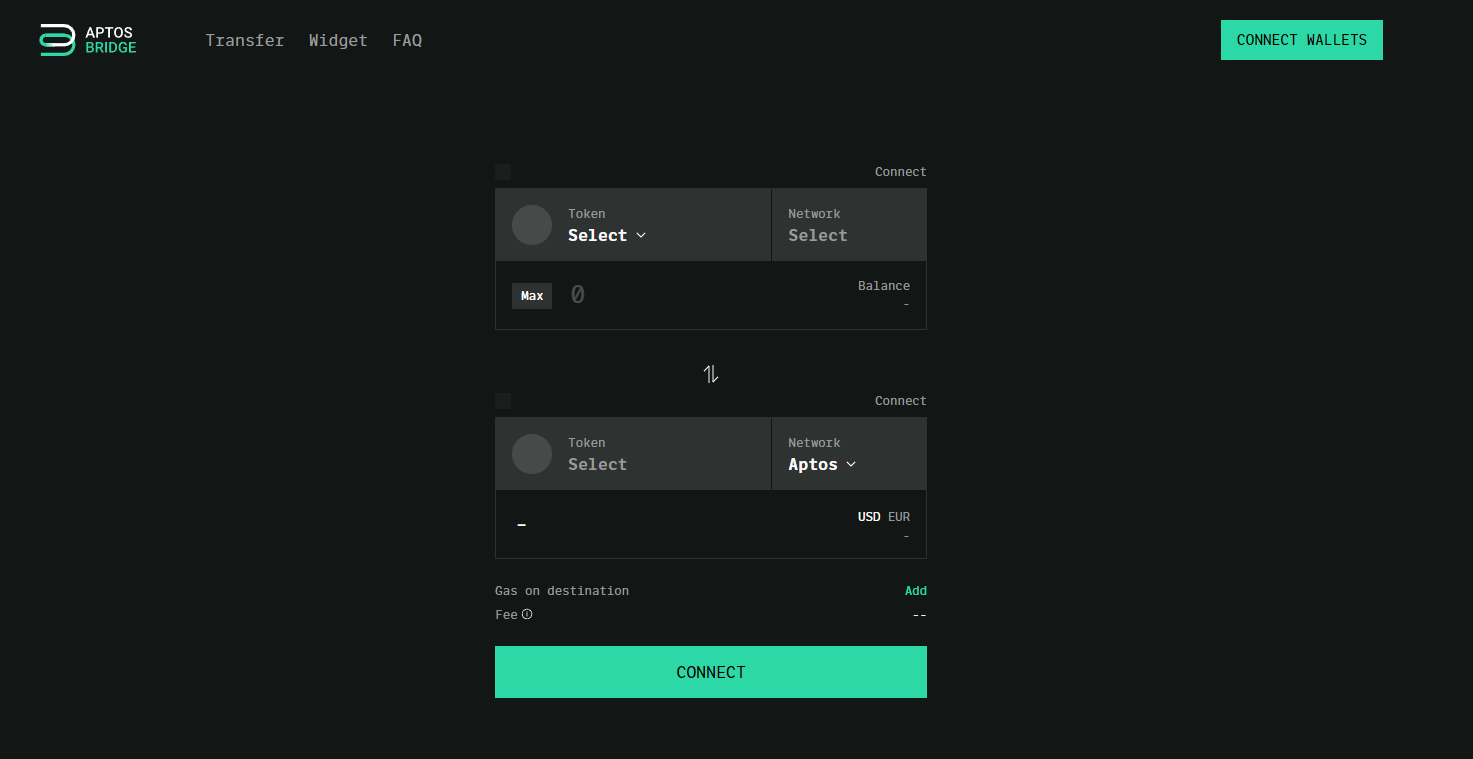
Switch MetaMask to Arbitrum mainnet, Pontem Wallet to Aptos Mainnet, then go to the cross-chain bridge, connect both wallets, enter the amount, and perform the cross-chain transfer.
2. When swapping or transferring tokens other than APT on Liquidswap, you must first add the token to the recipient’s wallet. Otherwise, the page displays “Recipient can't accept your transfer because token is not registered on their account,” causing failure. Try with small amounts first to avoid asset issues.
3. For more activity, provide liquidity on the Pools page. Remember to connect both MetaMask and Pontem before performing cross-chain actions.
5. Interact with AngleProtocol
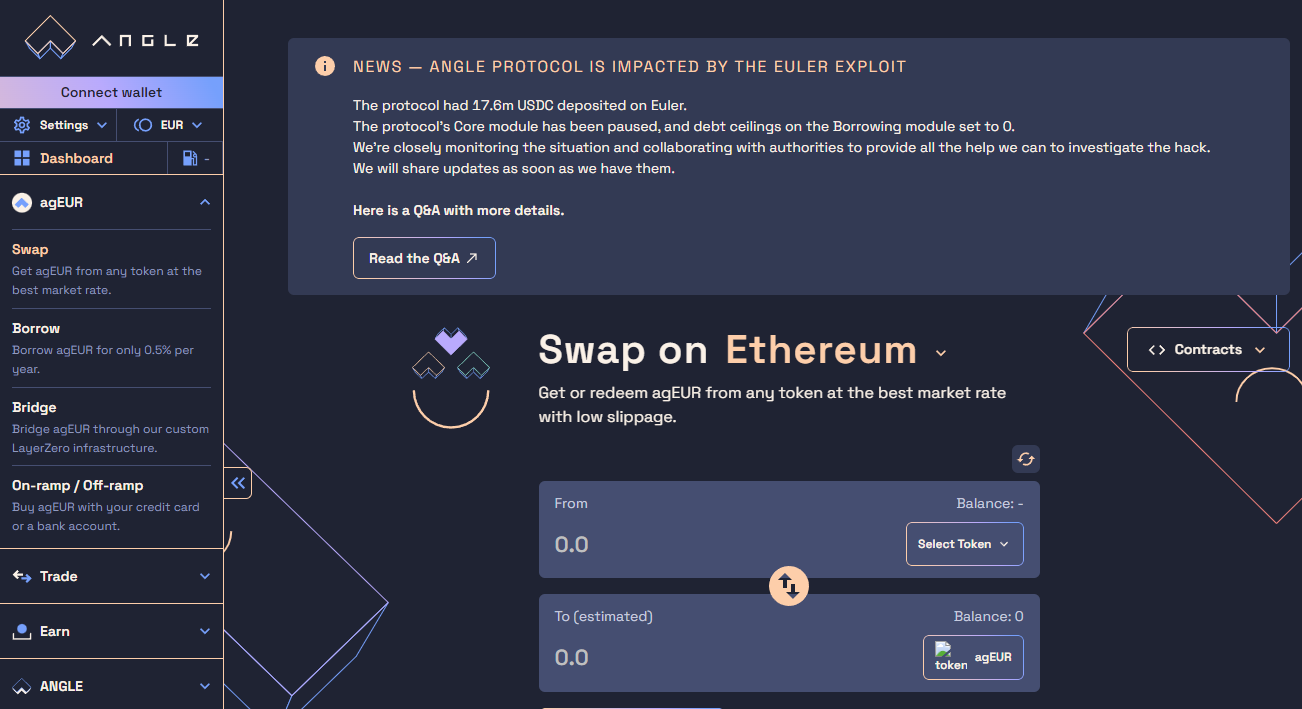
AngleProtocol is another L0-based mainnet project with ANGLE token. Due to policy restrictions, Angle is inaccessible in certain regions including the U.S. Users with proxy tools should disable them first, otherwise the site won’t load properly.
Link MetaMask via the left sidebar menu. Since the Bridge function requires euro stablecoin agEUR, first use the Swap feature to exchange any token for a small amount of agEUR. Then use Bridge to send agEUR to another chain and back. Finally, swap it back to your original token.
6. Other Cross-Chain Protocols to Interact With
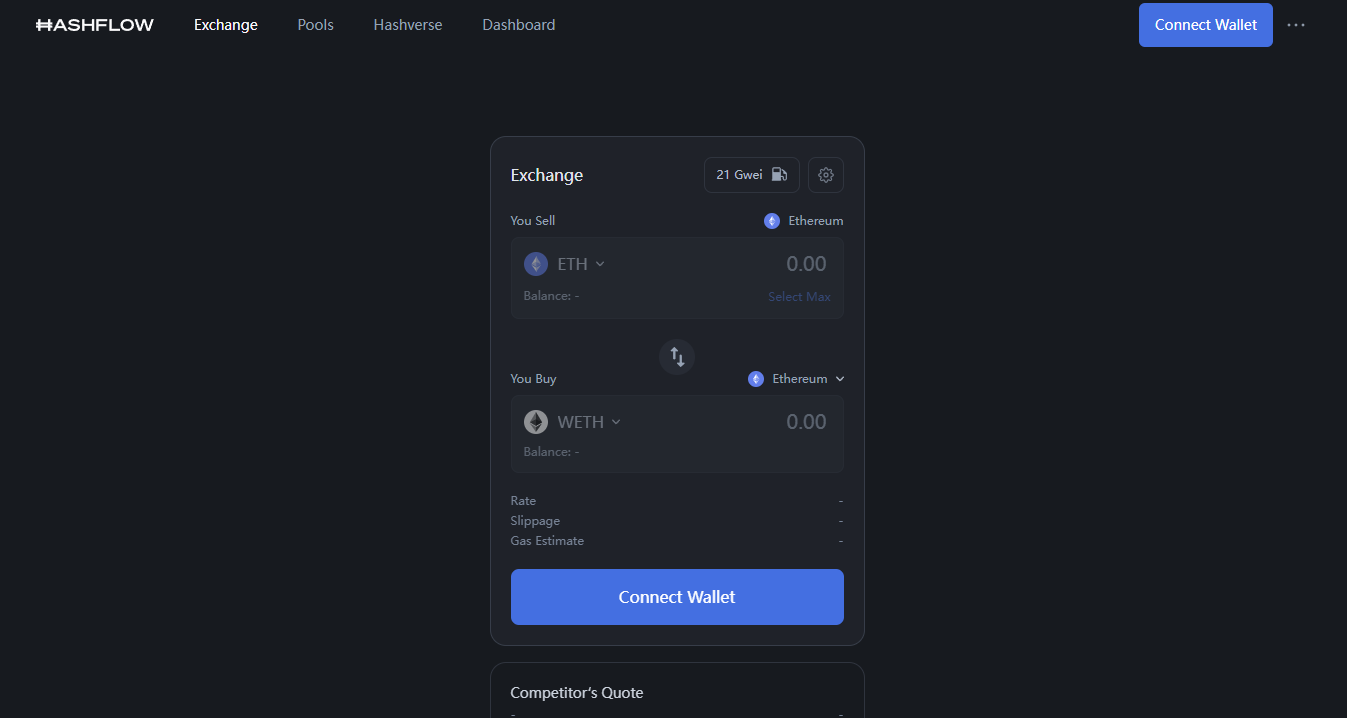
1. Hashflow (HFT) – Bridge to Arbitrum chain.
This is simple: switch MetaMask to Arbitrum network, go to the website, swap a small amount of ETH for USDC or USDT. Wait a while, then swap back. Before swapping back, remember to Unlock first.
2. MugenFinance (MGN token) – offers Deposit and Stake options. Switch MetaMask to Arbitrum network before connecting. You can interact with USDC.

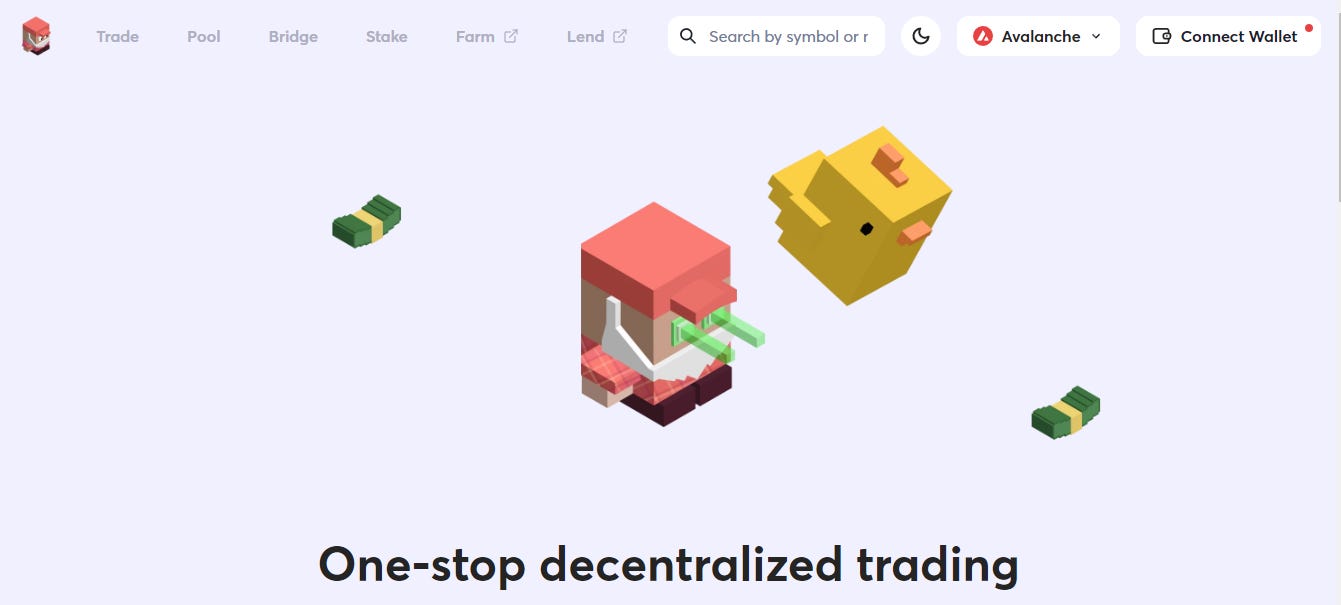
3. TraderJoe (JOE token) – official URL changes depending on the chain, e.g., Arbitrum, Avalanche. After linking MetaMask, swap a small amount of ETH or USDC for JOE. Then use the Bridge function in the top menu to transfer assets between Arbitrum and Avalanche.
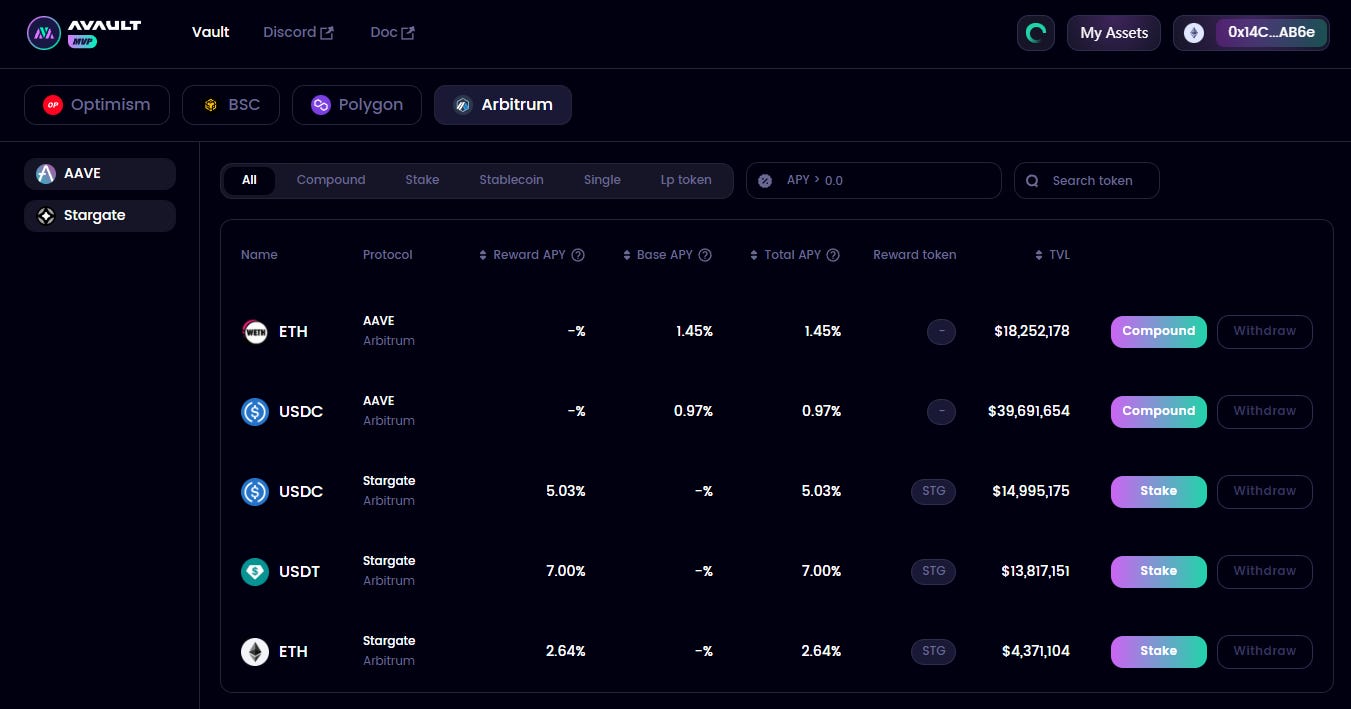
4. AvaultOmni
5. xSwap – a cross-chain swap application by SushiSwap based on L0.

6. Lending platform tapioca_dao – MINT beta is temporarily unavailable; try BORROW and LEND instead.
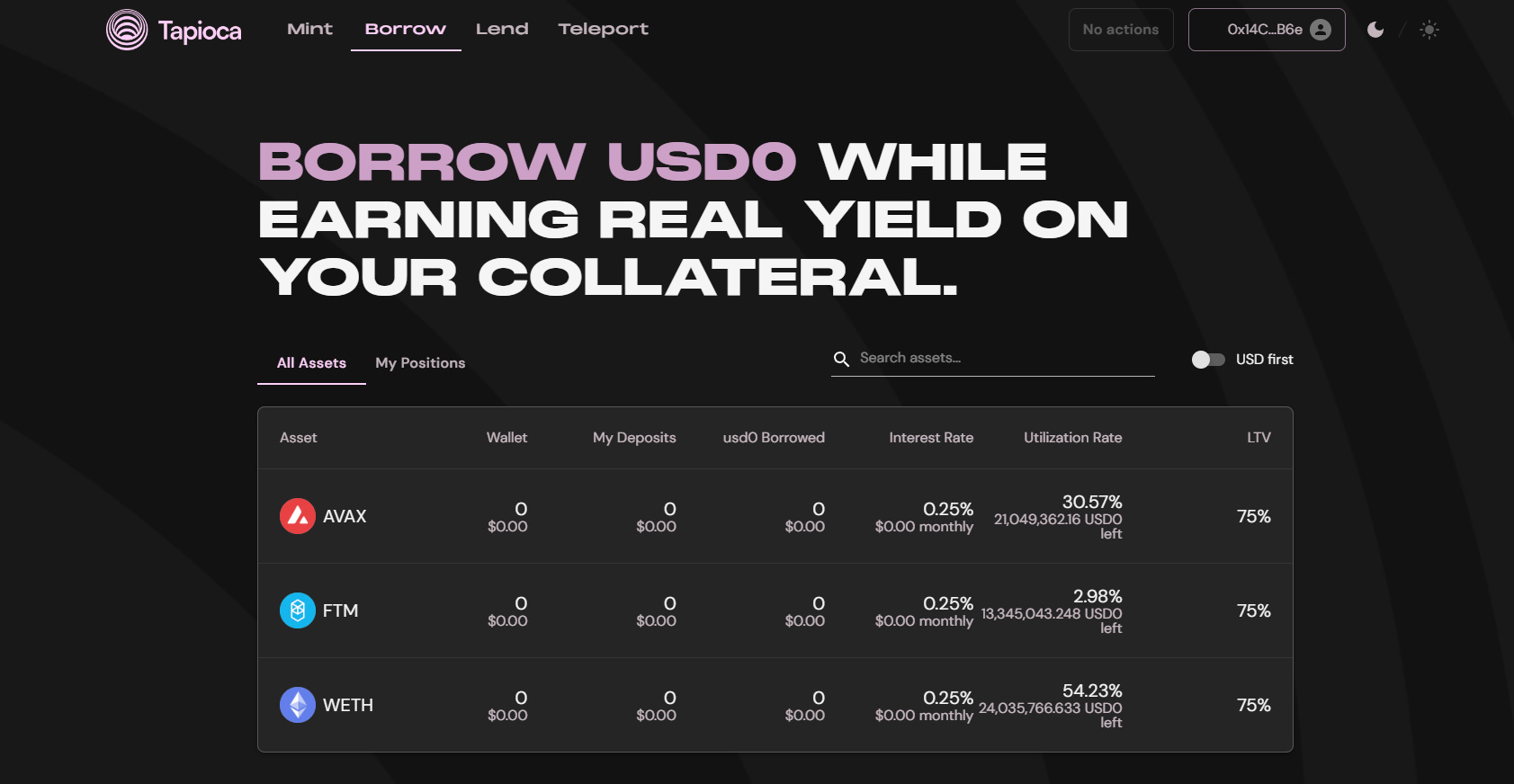
The above projects are recommended in order. For those with tokens, buy a small amount. Interact at least three times per month, around $10 per interaction.
Join TechFlow official community to stay tuned
Telegram:https://t.me/TechFlowDaily
X (Twitter):https://x.com/TechFlowPost
X (Twitter) EN:https://x.com/BlockFlow_News
 雨中狂睡Sleeping in the Rain