BSC Native BNB Staking Guide
TechFlow Selected TechFlow Selected
BSC Native BNB Staking Guide
This guide provides a step-by-step walkthrough of using the dApp on both testnet and mainnet.
 Navigating Web3 tides with focused insights
Description
-
Higher APY compared to validators on the BC chain
-
Reduced self-staking requirements for new validators and enhanced decentralization of BSC
-
Simplified validator management and governance
-
Delegators' voting rights
Manage new stakes using the BNB Stake dApp
Simplify your staking management with the BNB Staking dApp. This guide provides a step-by-step walkthrough of using the dApp on both testnet and mainnet.
Connect Your Wallet
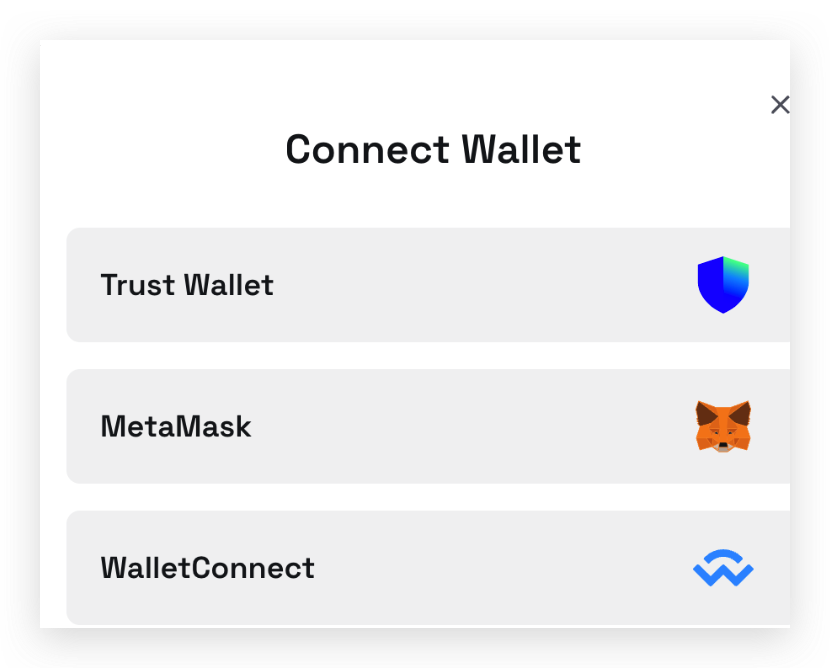
To interact with the dApp, first connect your web3 wallet. Currently supported are TrustWallet (mainnet only), MetaMask, and wallets connected via WalletConnect.
Delegate stakes
-
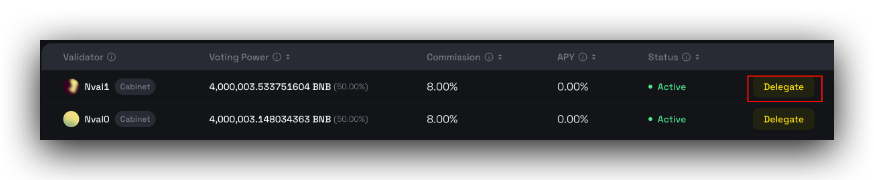
Select a validator to delegate your stake to. Detailed information about each validator is available on their respective pages.
-
Click the Delegate button to initiate a new delegation.
-
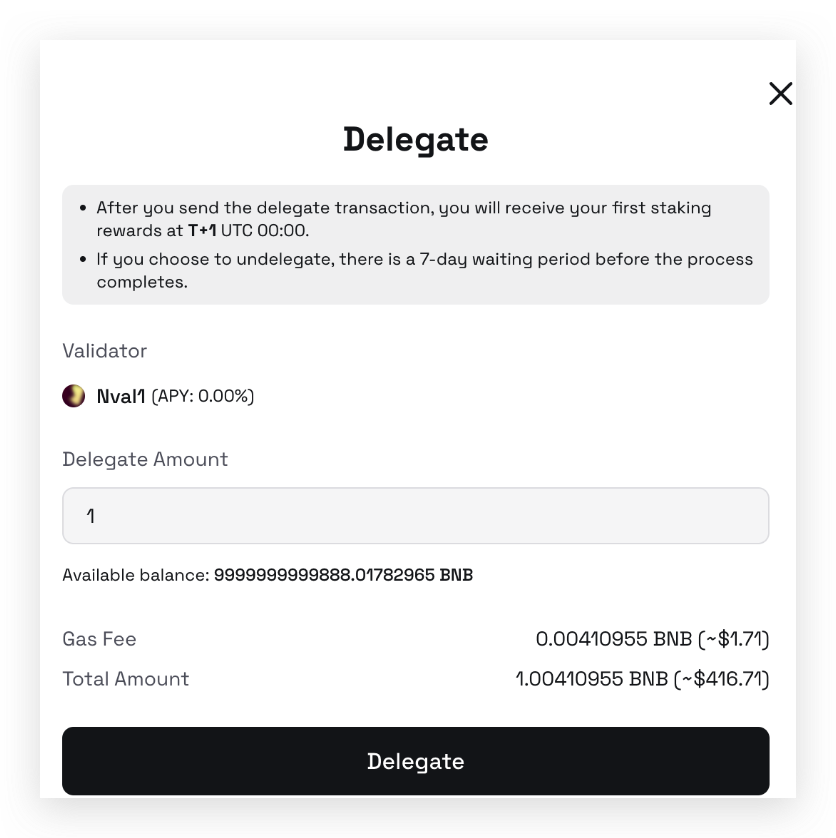
Enter the amount of BNB you wish to delegate.
-
After confirming the delegation, your connected wallet will prompt you to sign the transaction. A successful transaction will be visible on the My Staking page along with the transaction hash.

Re-delegate Stakes
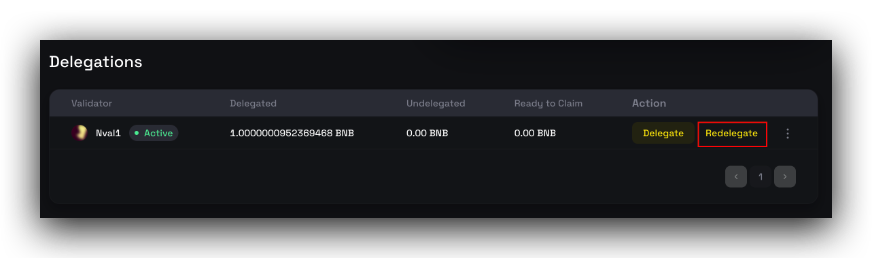
On the My Staking page, you can manage your current delegations.
-
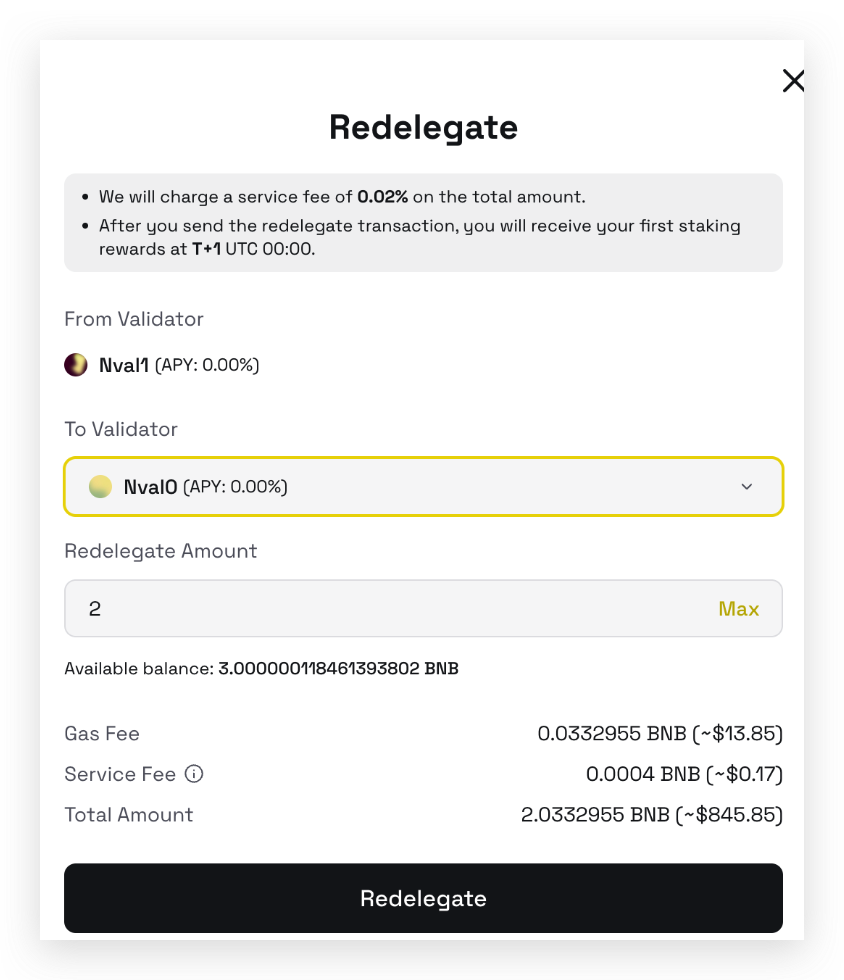
Click Redelegate to transfer your stake to another validator.
Note: A 0.002% re-delegation fee applies to discourage frequent switching between validators.
-
In the subsequent pop-up window, select the new validator and specify the amount to re-delegate. You may choose to transfer the full amount or only a portion.
Unbond Stakes
To unbond:
-
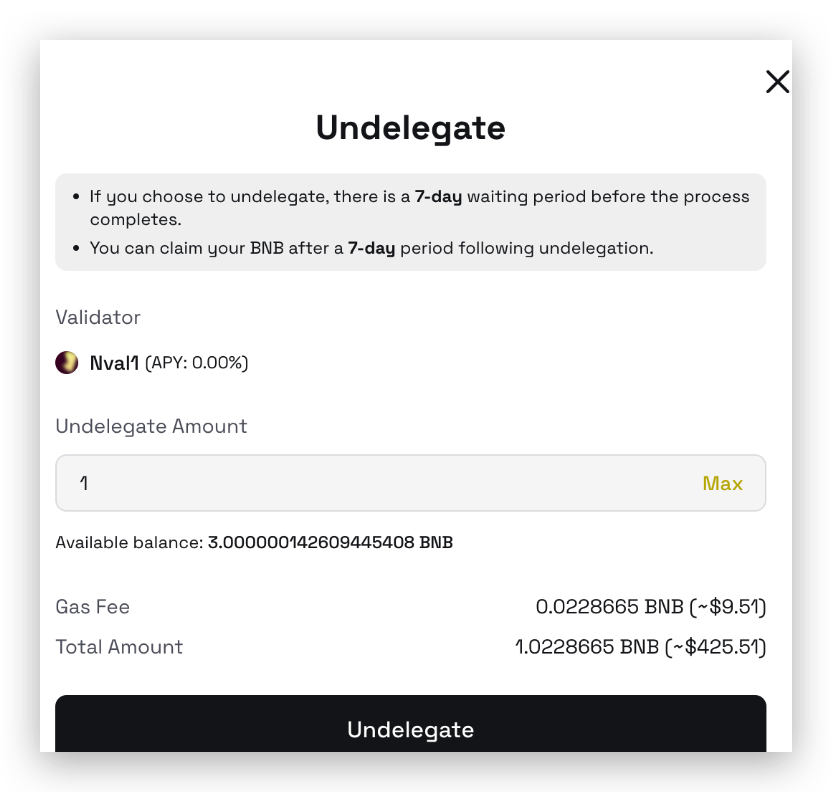
Click the Undelegate button next to the relevant delegation.
-
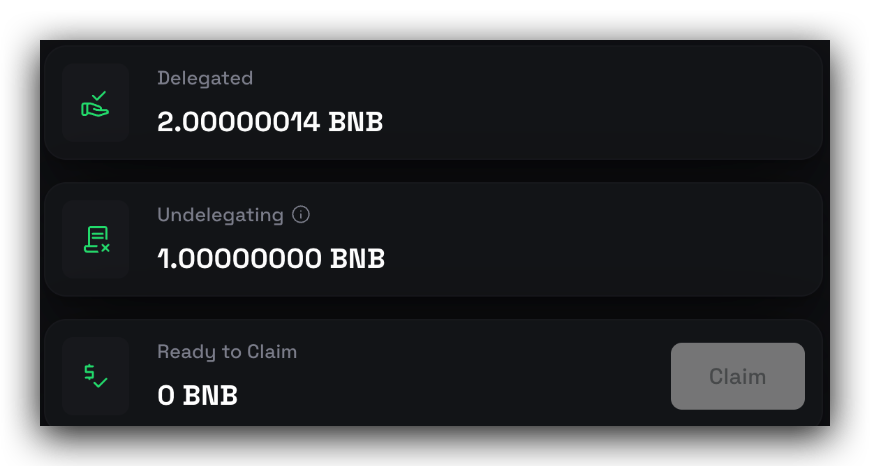
You may choose to unbond all or part of the amount. Please note that unbound stakes have a 7-day unbonding period before they are returned to your account.
Claim Stakes
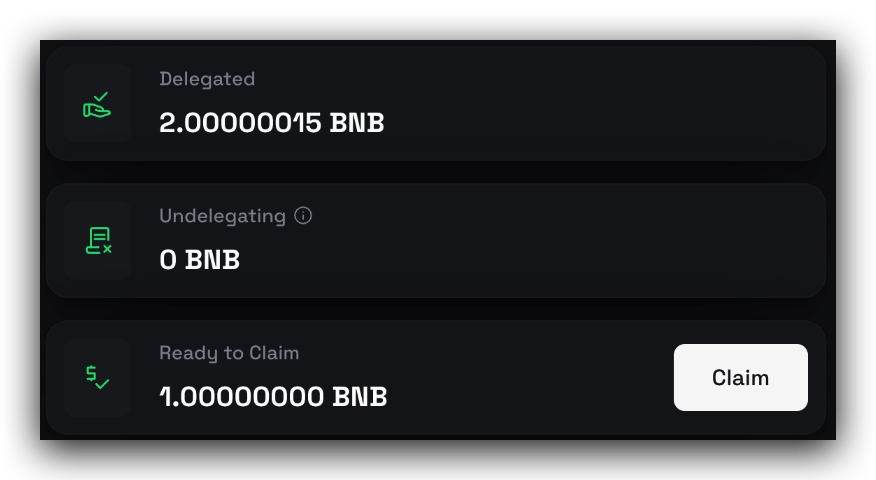
After the unbonding period, you can claim your stakes by clicking the Claim button.
Which wallet can be used to delegate to the new validators?
Currently, MetaMask and TrustWallet (mainnet only) are supported, as well as any wallet connected via WalletConnect.
As a validator operator, should I keep both the original validator after I create a new validator on the BSC?
It is recommended to keep both validators active for a period to ensure a smooth migration. It's best to request your delegators to migrate their stakes to the new validator. Once your new validator is elected into the cabinet or becomes a candidate, you may safely retire the old validator.
If my BNB was delegated through the BSC smart contract, how should I migrate my delegations?
Please refer to the BEP153 Staking Migration Guide.
Join TechFlow official community to stay tuned
Telegram:https://t.me/TechFlowDaily
X (Twitter):https://x.com/TechFlowPost
X (Twitter) EN:https://x.com/BlockFlow_News
 @BNBCHAIN