




Aleo, a privacy-focused public blockchain backed by a16z, has confirmed its airdrop—here's an overview of its interaction strategies
TechFlow Selected TechFlow Selected
Aleo, a privacy-focused public blockchain backed by a16z, has confirmed its airdrop—here's an overview of its interaction strategies
Aleo's airdrop, backed by several prominent institutions, may stage another airdrop bonanza following JUP.
 Navigating Web3 tides with focused insights
Author: HinkoK, Crypto KOL
Translation: Felix, PANews
The Layer 1 privacy-focused public blockchain Aleo differs significantly from blockchains like Ethereum. Aleo leverages zkSNARKs technology to achieve high scalability, enabling support for a large number of transactions without processing all data on-chain. The Aleo platform is programmable and uses Leo, a secure, private, and scalable programming language designed for smart contracts. Previously, Aleo raised a total of $228 million in funding from investors including a16z and Coinbase Ventures. Specifically:
In April 2021, Aleo completed a $28 million Series A round led by a16z, with participation from Placeholder VC, Galaxy Digital, Variant Fund, and Coinbase Ventures.
In February 2022, Aleo completed a $200 million Series B round co-led by SoftBank and Kora Management, with participation from a16z, Tiger Global, Samsung Ventures, and others.
Recently, Aleo announced that its mainnet will go live within the coming weeks. Additionally, Aleo plans to conduct an airdrop in the first quarter of this year. This article provides an overview of strategies for interacting with Aleo.
1. Leo Wallet (Privacy-protected wallet on the Aleo blockchain)
-
Visit Leo Wallet: https://www.leo.app/
-
Add the Leo Wallet extension to your browser
-
Create a new wallet
-
Customize your wallet
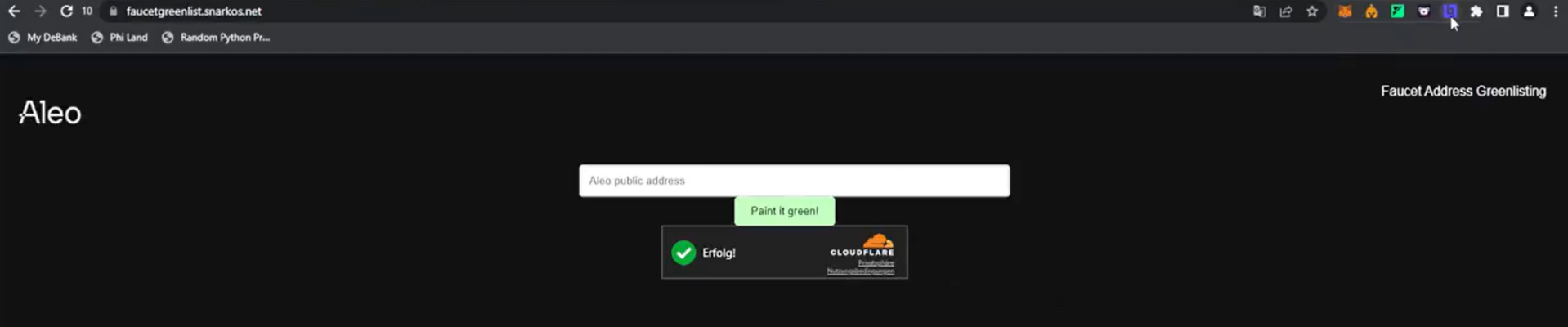
2. Add Your Wallet to the Whitelist
-
Visit: https://faucetgreenlist.snarkos.net/
-
Copy your wallet address
-
Paste the address into the designated field to add it to the whitelist
3. Faucet
-
Visit: https://faucet.aleo.org/
-
Copy your wallet address
-
Use your mobile phone to paste the address and request ALEO tokens
-
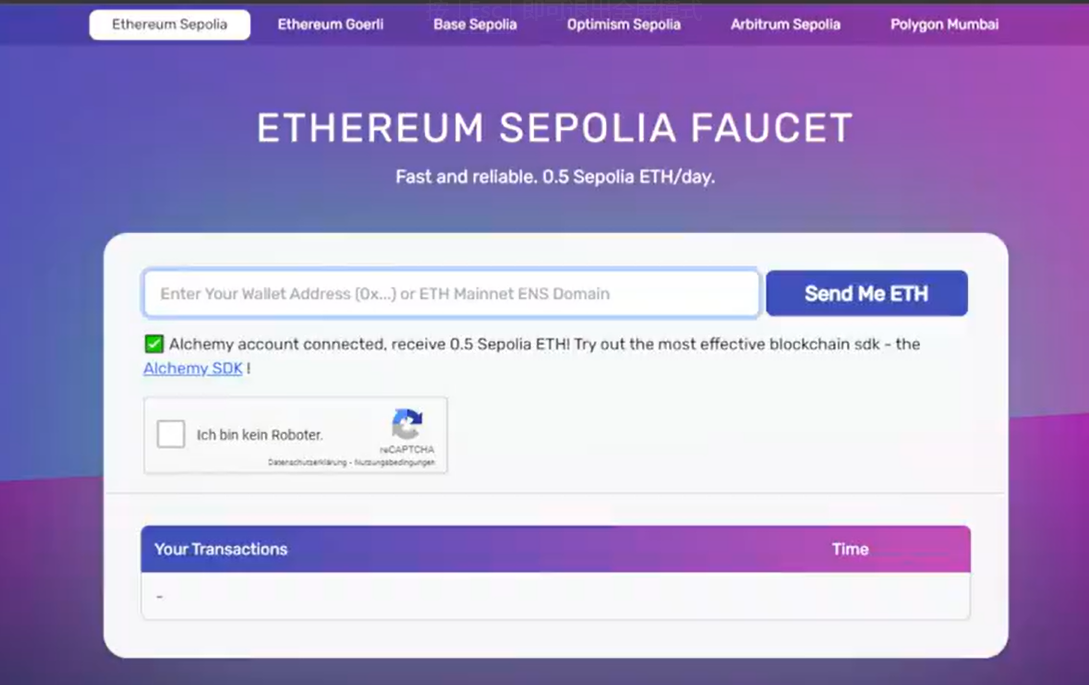
Visit: https://sepoliafaucet.com/
-
Log in using your email.
-
Paste your wallet address and apply for ETH
4. New faucet
-
Open https://discord.com/invite/cpCrGwfWCs
-
Join Leo Wallet's Discord
-
Visit: https://t.co/F84rSYnI4D
-
Complete verification
-
Enter your Aleo address
5. Bridge
-
Visit: https://testnet-bridge.izar.xyz/bridge
-
Connect your Aleo wallet
-
Connect your MetaMask wallet
-
Bridge from Sepolia ETH to the ALEO network
-
You can stop and proceed to the next step afterward
6. AleoSwap Faucet
-
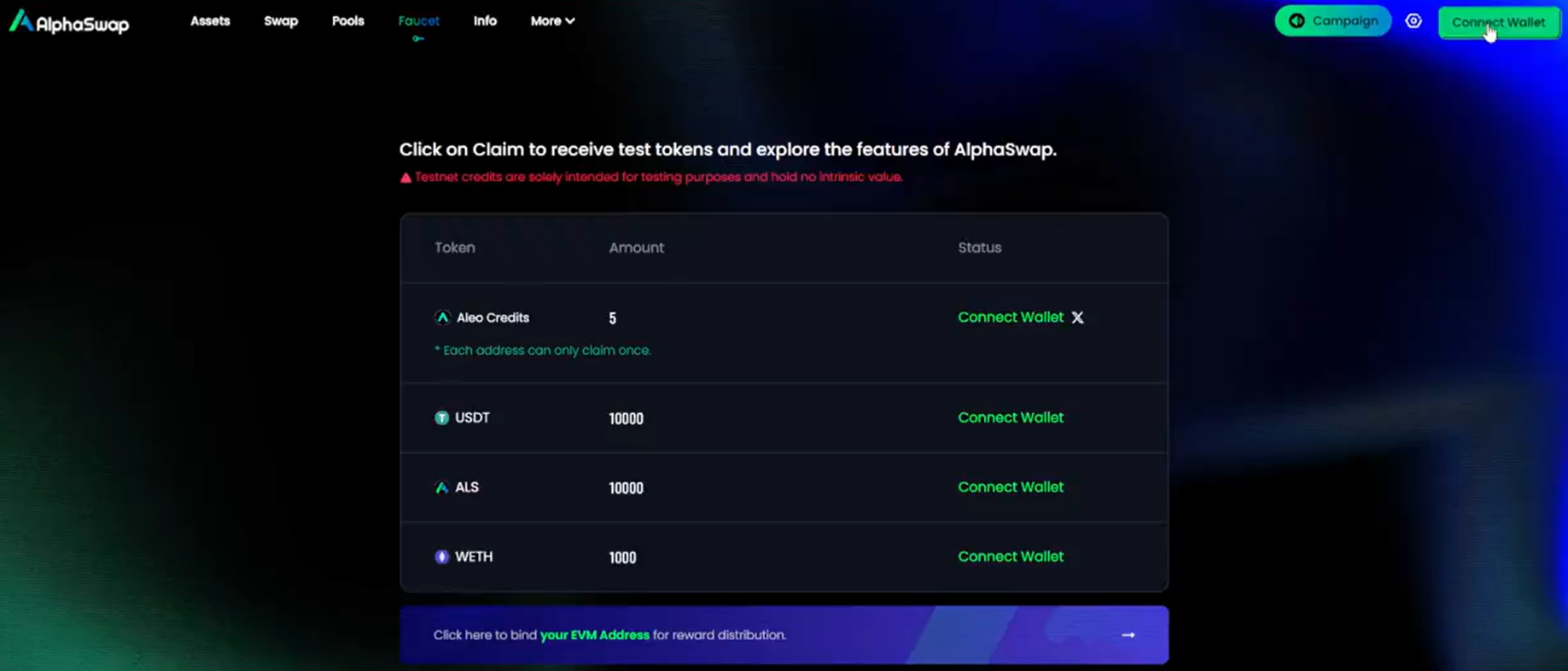
Visit https://app.alphaswap.pro/faucet
-
Connect your Aleo wallet
-
Claim ALEO points
-
Claim USDT
-
Claim WETH
7. AleoSwap
-
Visit: https://app.alphaswap.pro/swap/public
-
Swap ALS for USDT
-
Then swap USDT for WETH
-
Repeat this process several times
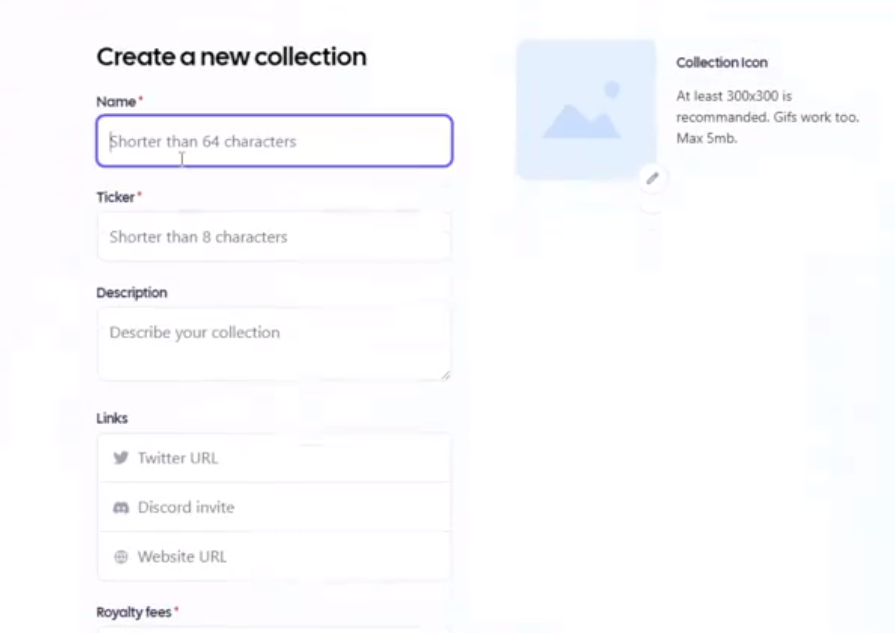
8. Create NFT
-
Visit: https://aleo.store/collection/create
-
Connect your Aleo wallet
-
Upload an image
-
Fill in required fields
-
Proceed to create the NFT
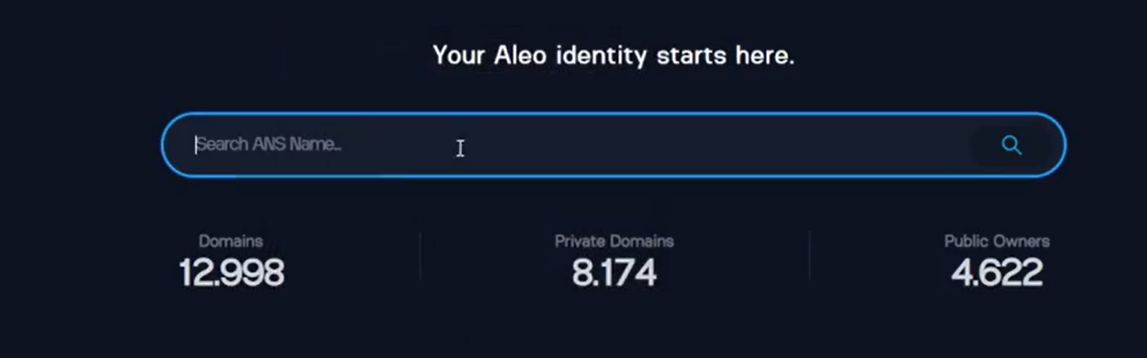
9. Aleo Domain
-
Visit: https://testnet3.aleonames.id/
-
Connect your Aleo wallet.
-
Enter your desired domain name in lowercase letters
-
Create the domain
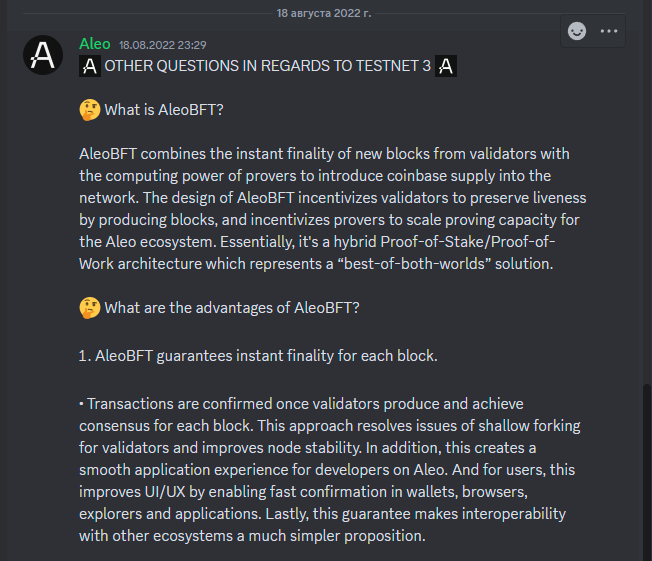
10. Aleo Discord
-
Visit: https://t.co/XF90WdwMb5
-
Enter Discord
-
Actively engage with others
-
Obtain relevant roles within the community
Join TechFlow official community to stay tuned
Telegram:https://t.me/TechFlowDaily
X (Twitter):https://x.com/TechFlowPost
X (Twitter) EN:https://x.com/BlockFlow_News
 @hinkok_