A Beginner-Friendly Tutorial: How to Use GetClaw
TechFlow Selected TechFlow Selected
A Beginner-Friendly Tutorial: How to Use GetClaw
Anyone can do it!
 Navigating Web3 tides with focused insights
GetClaw is Bitget’s globally first plug-and-play AI trading autonomous agent. Users need not install any software—simply interact with it directly via Telegram. Equipped with 100+ capabilities—including real-time market data, technical analysis, information retrieval, code execution, and scheduled tasks—it covers multiple trading scenarios such as market monitoring, strategy analysis, market intelligence, and automated workflows.
No software installation. No coding. Just speak—and trade. If you can browse the web and own a smartphone, you can use GetClaw!
Step 1: Log in to the official Bitget GetClaw page
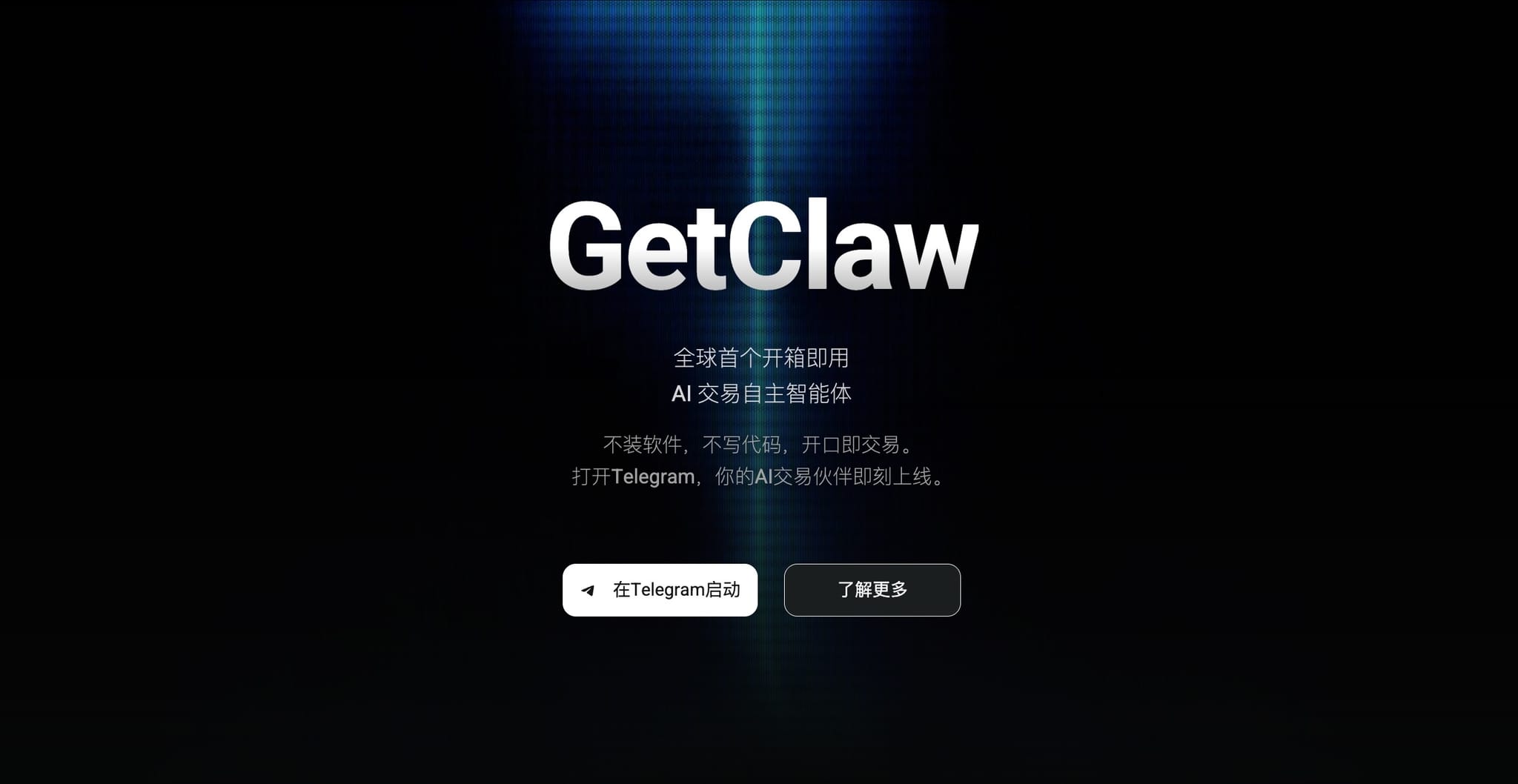
Visit the official GetClaw product page:
Step 2: Launch in Telegram
Click the “Launch on Telegram” button on the webpage to be redirected to Telegram.
Alternatively, search for getclaw_official_bot directly within Telegram to locate the official GetClaw Bot.
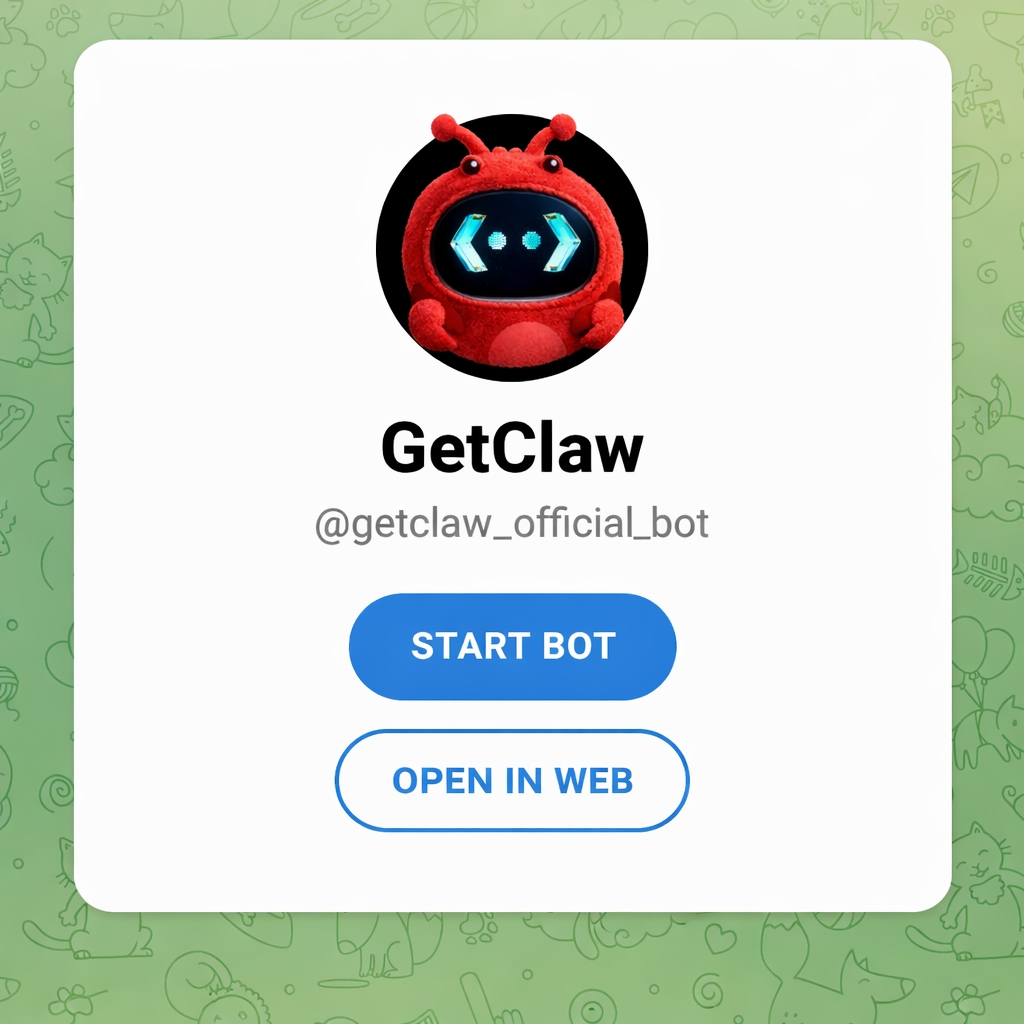
Step 3: Start a conversation
Once guided through initialization, you can begin conversing with GetClaw immediately.
GetClaw comes preloaded with over 100 skills, enabling it to handle complex, repetitive tasks across diverse scenarios! Additional use cases will be progressively unlocked on Bitget’s official X account.
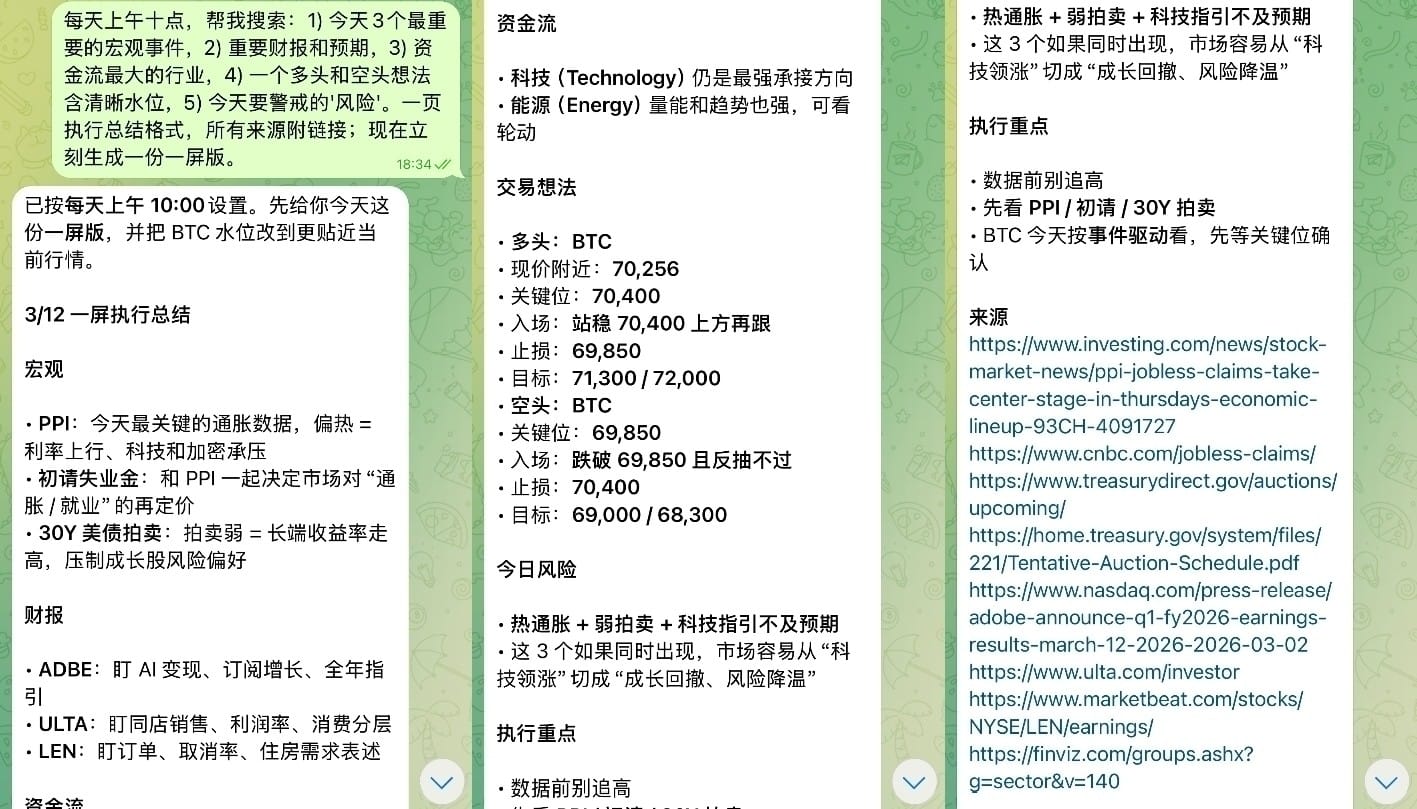
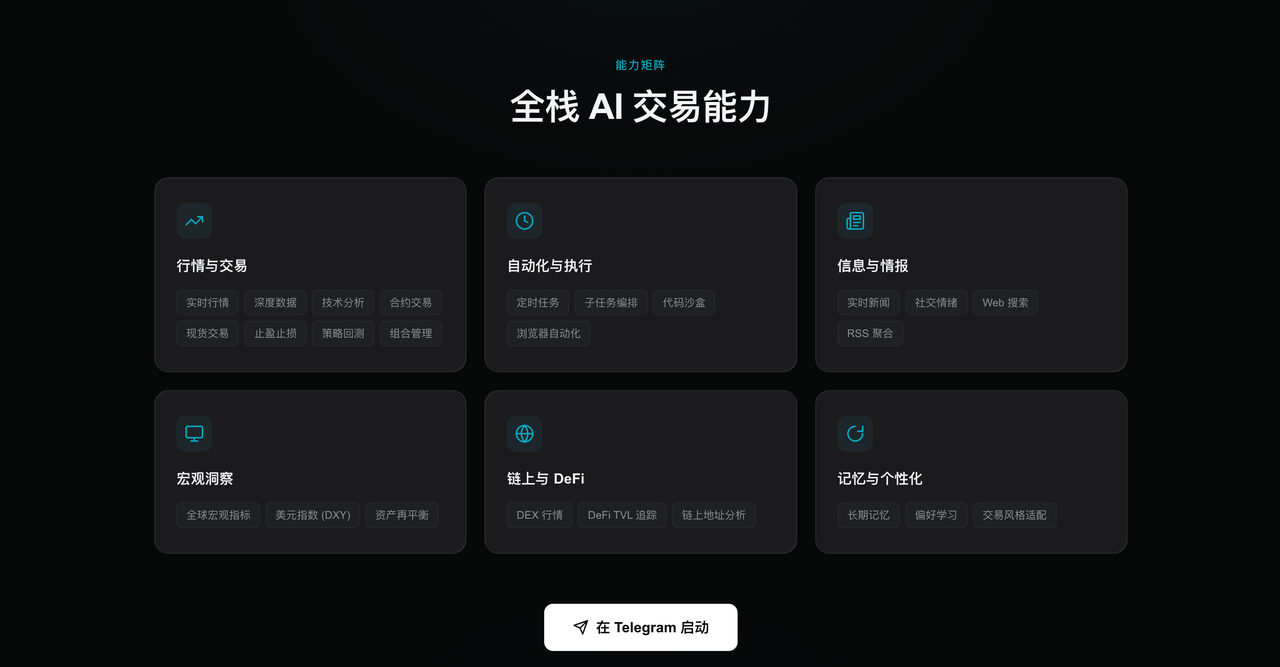
Why choose GetClaw? How does GetClaw ensure security?
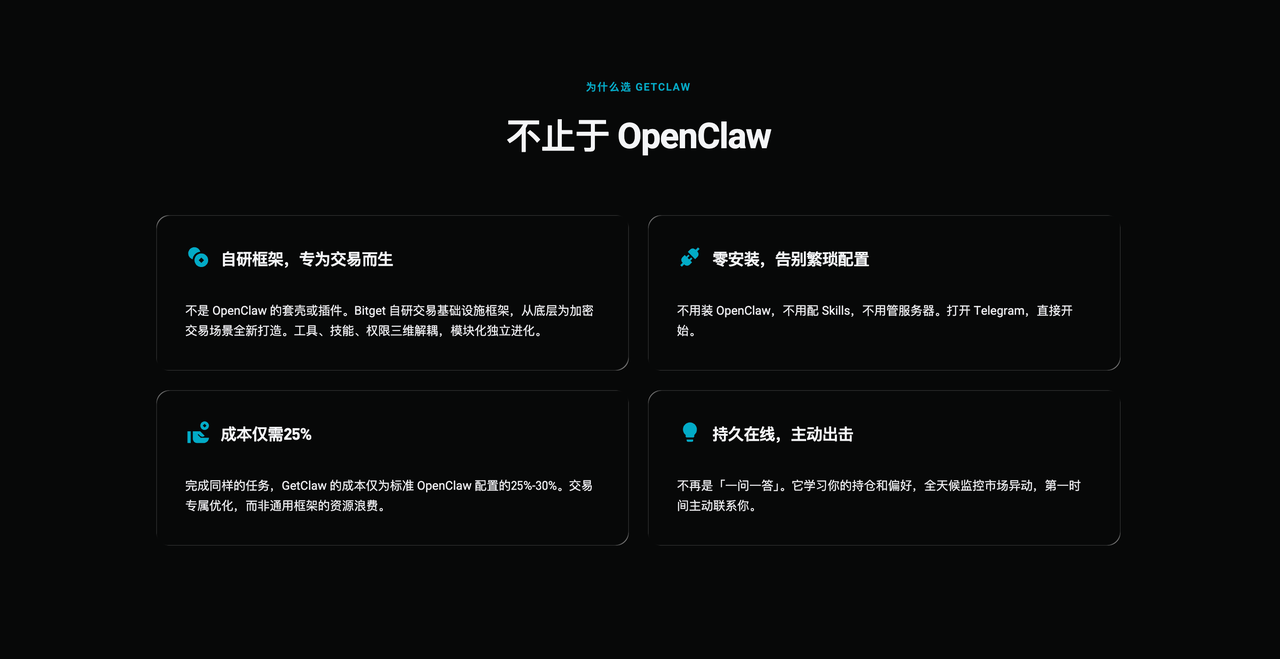
GetClaw is not a simple wrapper or plugin for OpenClaw; rather, it is an AI trading agent rebuilt by Bitget specifically for trading use cases. From its underlying architecture to its security mechanisms, GetClaw is purpose-built for efficiency, cost-effectiveness, and security.
First, in terms of user experience, GetClaw offers zero-installation, zero-configuration, plug-and-play functionality. Users need not deploy OpenClaw, configure Skills, or run servers—simply open Telegram and begin using the AI trading assistant instantly.
Second, at the architectural level, GetClaw is built upon Bitget’s proprietary trading infrastructure framework, optimized from the ground up for trading-specific workloads. Its system modularizes tools, skills, and permissions, enabling the AI to efficiently invoke various capabilities while maintaining strict security controls.
Compared to traditional deployment models, GetClaw achieves only ~25%–30% of the operational cost required by standard OpenClaw configurations for equivalent tasks. Through architecture tailored specifically to trading, the system delivers more stable service with significantly lower resource consumption.
Moreover, GetClaw is no longer just a “question-and-answer” chat tool—it is a continuously online AI trading agent. It monitors market movements and price anomalies around the clock, tracks information flows, and proactively alerts users when critical events occur—ensuring traders never miss vital opportunities.
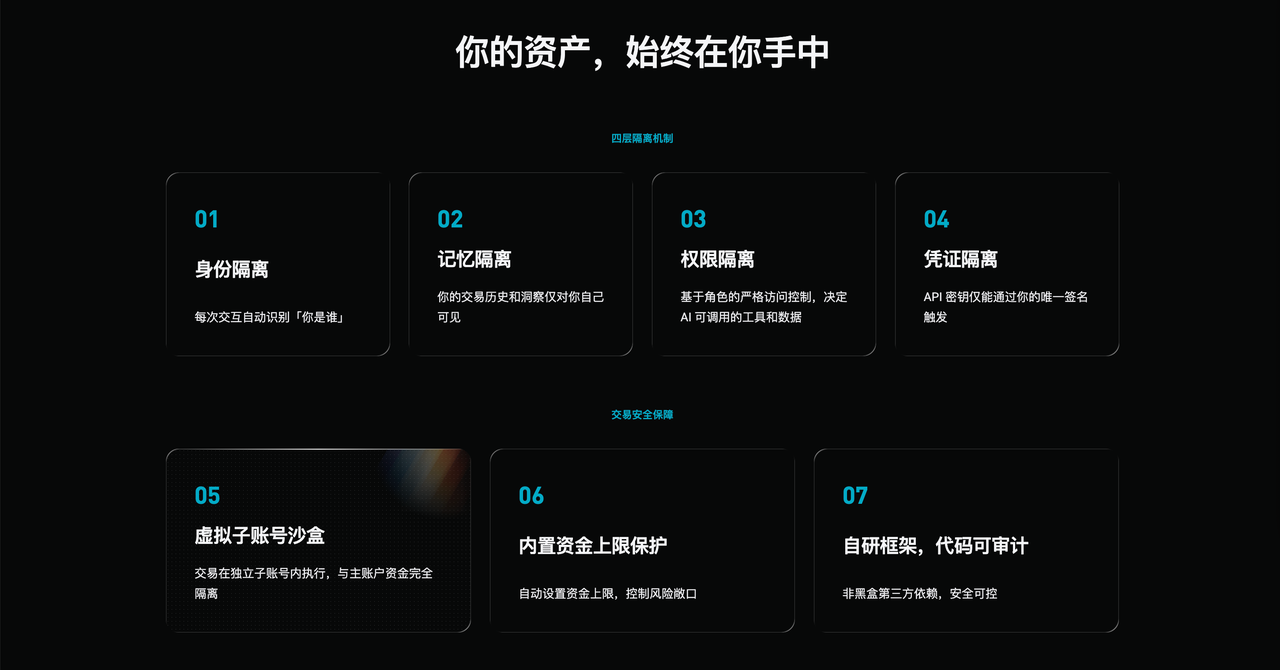
On security, user asset protection has been central to GetClaw’s design from day one. The system implements a four-layer isolation security model, applying multi-tiered safeguards across identity, memory, permissions, and credentials—ensuring user data and account assets remain fully under control. Once trading features are enabled, the system will further introduce a virtual sub-account sandbox mechanism and fund cap protections, guaranteeing that all trades execute in isolated, secure, and controllable environments.
Frequently Asked Questions (FAQs)
Do I need programming skills?
No. GetClaw operates entirely via natural-language dialogue—you simply ask questions or state your needs, just like chatting.
Can GetClaw execute trades automatically for me?
Trading functionality requires binding a Bitget API key. To ensure optimal experience and security, we are currently conducting a phased rollout (gray release). If you’d like early access, please join the Waitlist—we’ll notify you privately via Bot once availability opens. Until then, users may still leverage market analysis, market intelligence, on-chain tracking, and strategy assistance features.
Is GetClaw free? Are there usage limits?
The current version is a time-limited trial, offered completely free of charge. The system provides ample daily free conversation quotas for all users.
Why am I seeing a “quota exhausted” message?
To ensure service stability, each account receives a fixed daily quota of free usage. Once exhausted, your quota resets automatically the next day—allowing continued use.
Can non-Bitget users access GetClaw?
Currently, GetClaw is available exclusively to registered Bitget users. If you don’t yet have a Bitget account, please register first before applying for access.
Which platforms does GetClaw support?
GetClaw is now live on Telegram. Versions for Bitget App, Discord, and WhatsApp are under development. In the future, all platforms will share synchronized memory, enabling seamless switching across devices.
Which languages does GetClaw support?
GetClaw supports multilingual natural-language dialogue—including Chinese and English—with additional languages planned for future rollout.
Join TechFlow official community to stay tuned
Telegram:https://t.me/TechFlowDaily
X (Twitter):https://x.com/TechFlowPost
X (Twitter) EN:https://x.com/BlockFlow_News